
Layout widget
Carousel
Swipe through cards, projects or anything else. Every slide is a container that holds any widgets.
Build it with your AI
“Add a carousel of four project cards, three per view on desktop and one on mobile, with arrows and dots.”
Live demo
See it working
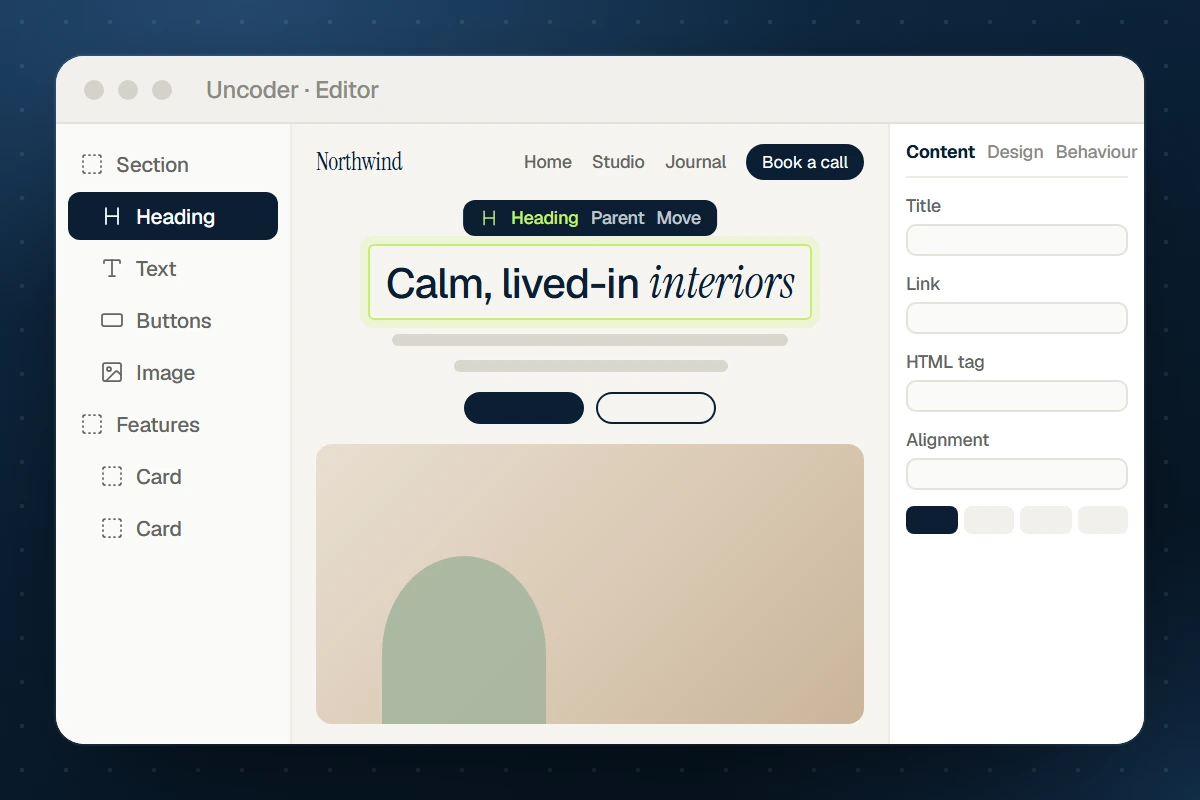
Visual editor
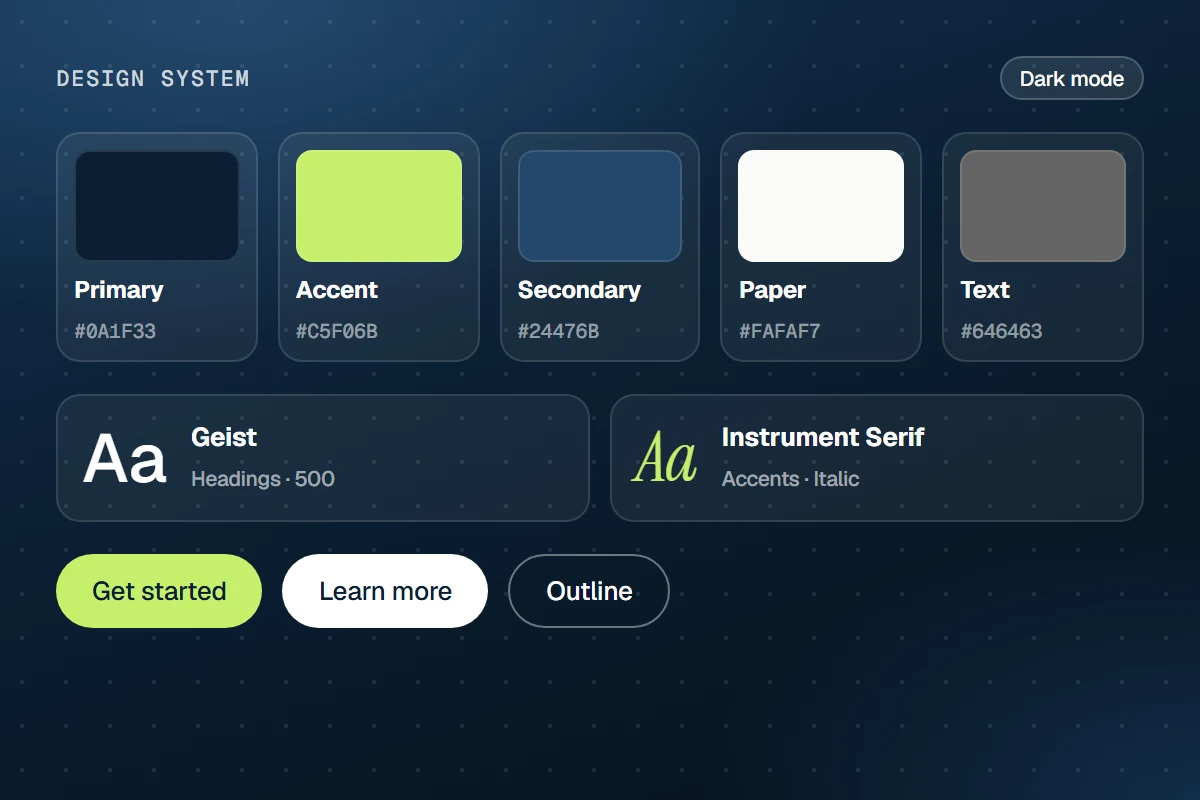
Design System
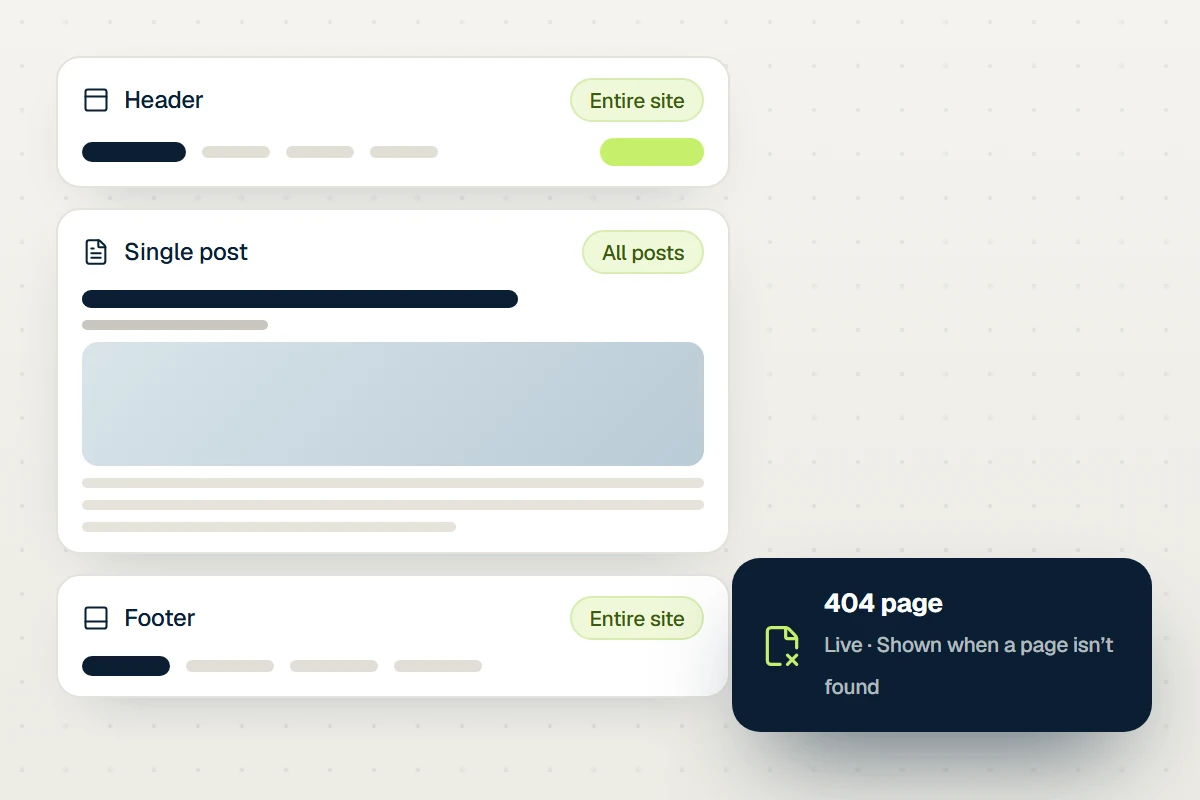
Theme Builder
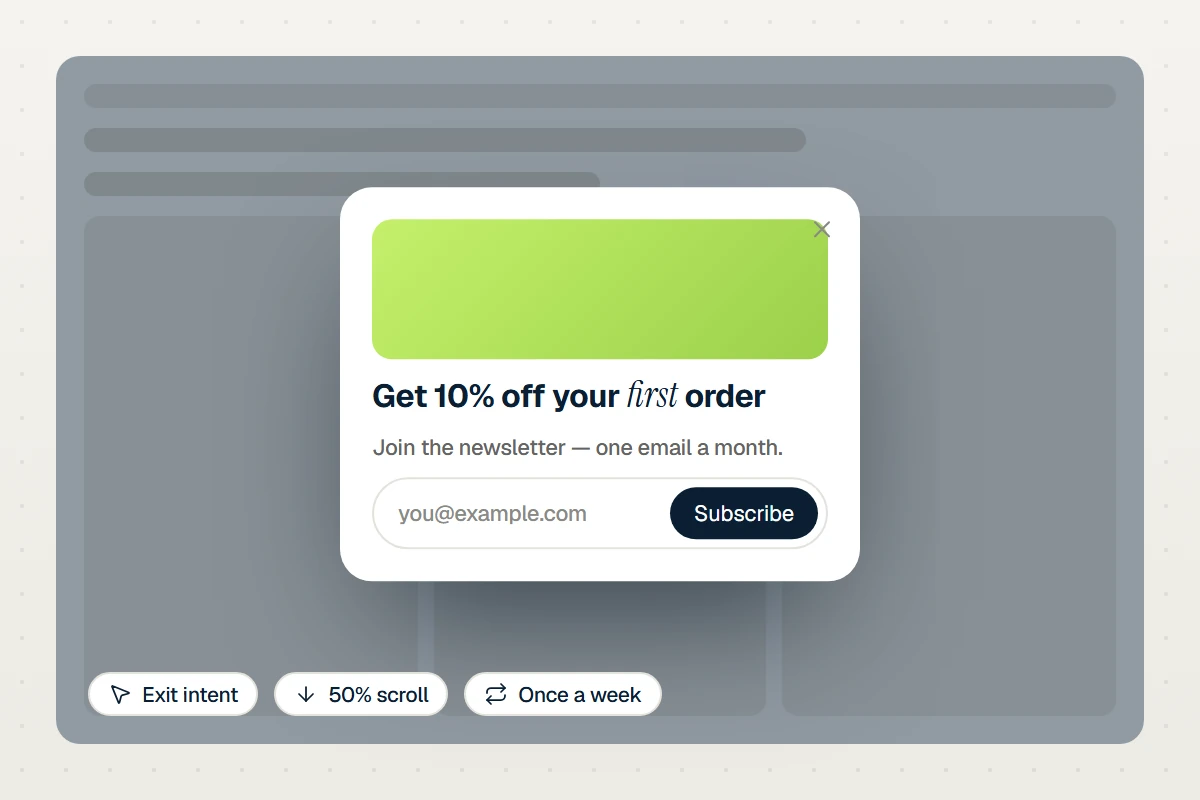
Popups
Settings
45 settings in three tabs
Every setting below is in the editor — and available to your AI through get_widget_schema.
Content
18 settings
Slides
Slides
Carousel
Slides per view
Slides to scroll
Gap
Vertical alignment
Arrows
Arrows position
Previous icon
Next icon
Pagination
Rewind
Mouse drag
Transition duration (ms)
Autoplay
Delay (ms)
Pause on hover
Pause button
Accessible name
Design
27 settings
Slides
Background
Border
Border radius
Padding
Shadow
Arrows
Button size
Icon size
Offset
Border radius
Icon color
Background
Border
Shadow
Border color
Pagination
Distance from slides
Alignment
Dot size
Active dot width
Space between dots
Dot color
Active dot color
Typography
Color
Bar height
Bar color
Track color
Pause button color
Behaviour
shared
On every element
Spacing & position
Background & border
Animations
Motion & effects
Scroll & mouse effects
Visibility
Conditions
Interactions
Attributes & CSS
Build it with AI
Just describe what you want
Your AI looks up the Carousel settings over MCP and writes the element for you — real, editable and on brand.
Claude · connected to your site
You
Add a carousel of four project cards, three per view on desktop and one on mobile, with arrows and dots.
Claude · using Uncoder
Done — it’s on your site and fully editable.
What the AI writes
{
  "type": "carousel",
  "settings": {
    "slides": [
      { "label": "Editor" },
      { "label": "Design" },
      { "label": "Theme" },
      { "label": "Popups" }
    ],
    "slides_per_view": 3,
    "slides_per_view_tablet": 2,
    "slides_per_view_mobile": 1,
    "gap": { "size": 16, "unit": "px" },
    "loop": true
  },
  "children": [
    {
      "type": "container",
      "label": "Visual editor",
      "settings": {
        "gap": { "size": 10, "unit": "px" },
        "_padding": {
          "top": 10,
          "right": 10,
          "bottom": 10,
          "left": 10,
          "unit": "px",
          "linked": false
        },
        "radius": { "top": 16, "right": 16, "bottom": 16, "left": 16, "unit": "px" },
        "background": { "type": "classic", "color": "#ffffff" },
        "border": { "style": "solid", "width": "1px", "color": "var(--uncoder-c-border)" }
      },
      "children": [
        {
          "type": "image",
          "settings": {
            "image": { "id": 41 },
            "alt": "Visual editor",
            "size": "full",
            "aspect_ratio": "4/3",
            "object_fit": "cover",
            "radius": { "top": 10, "right": 10, "bottom": 10, "left": 10, "unit": "px" }
          }
        },
        "… 1 more like this"
      ]
    },
    "… 3 more like this"
  ]
}
More layout widgets