
Design System
Change once, update everywhere
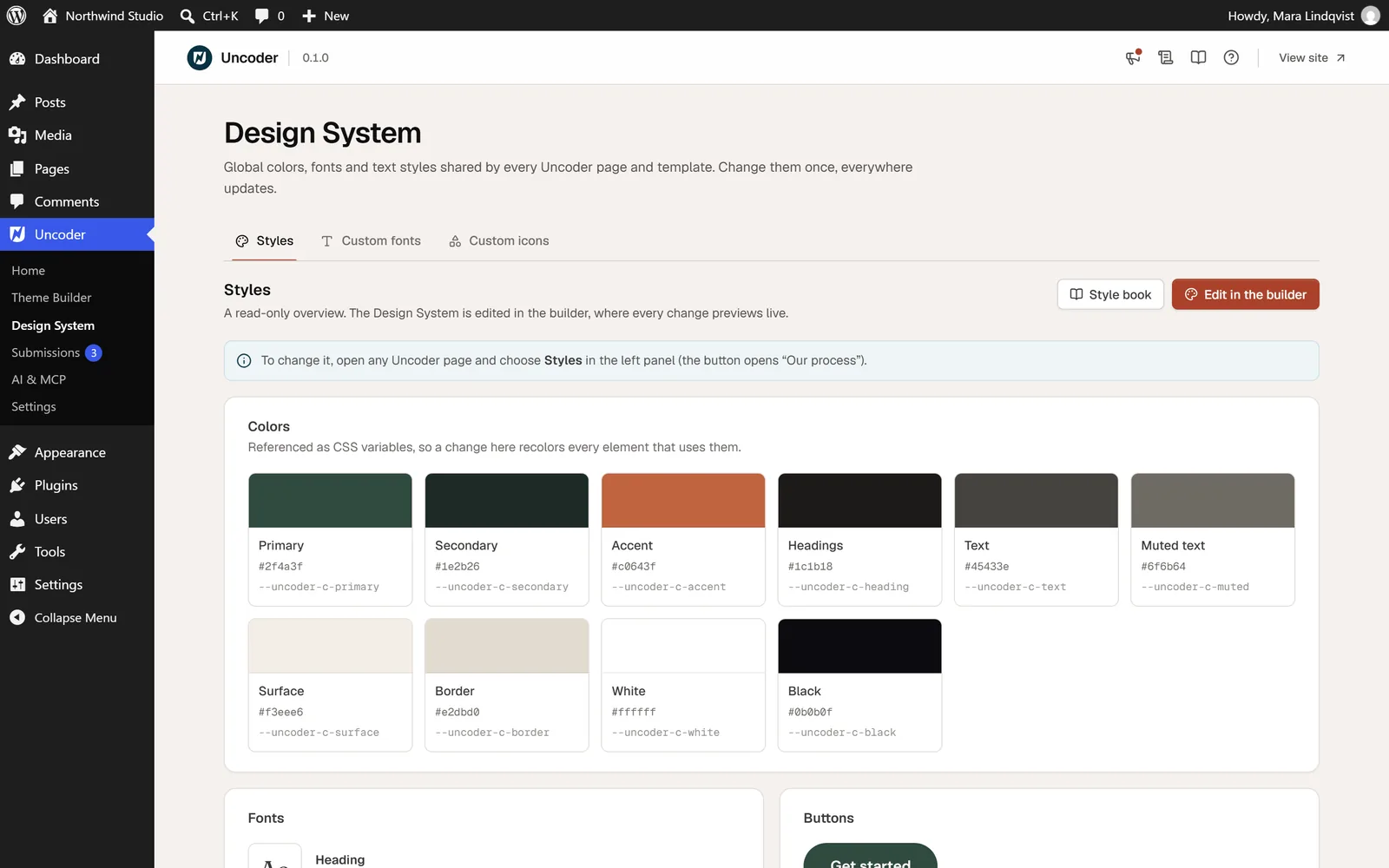
Colors, fonts, text styles, buttons, spacing and container width in one place. Every widget — and every page your AI builds — uses them, so a rebrand is one prompt away.
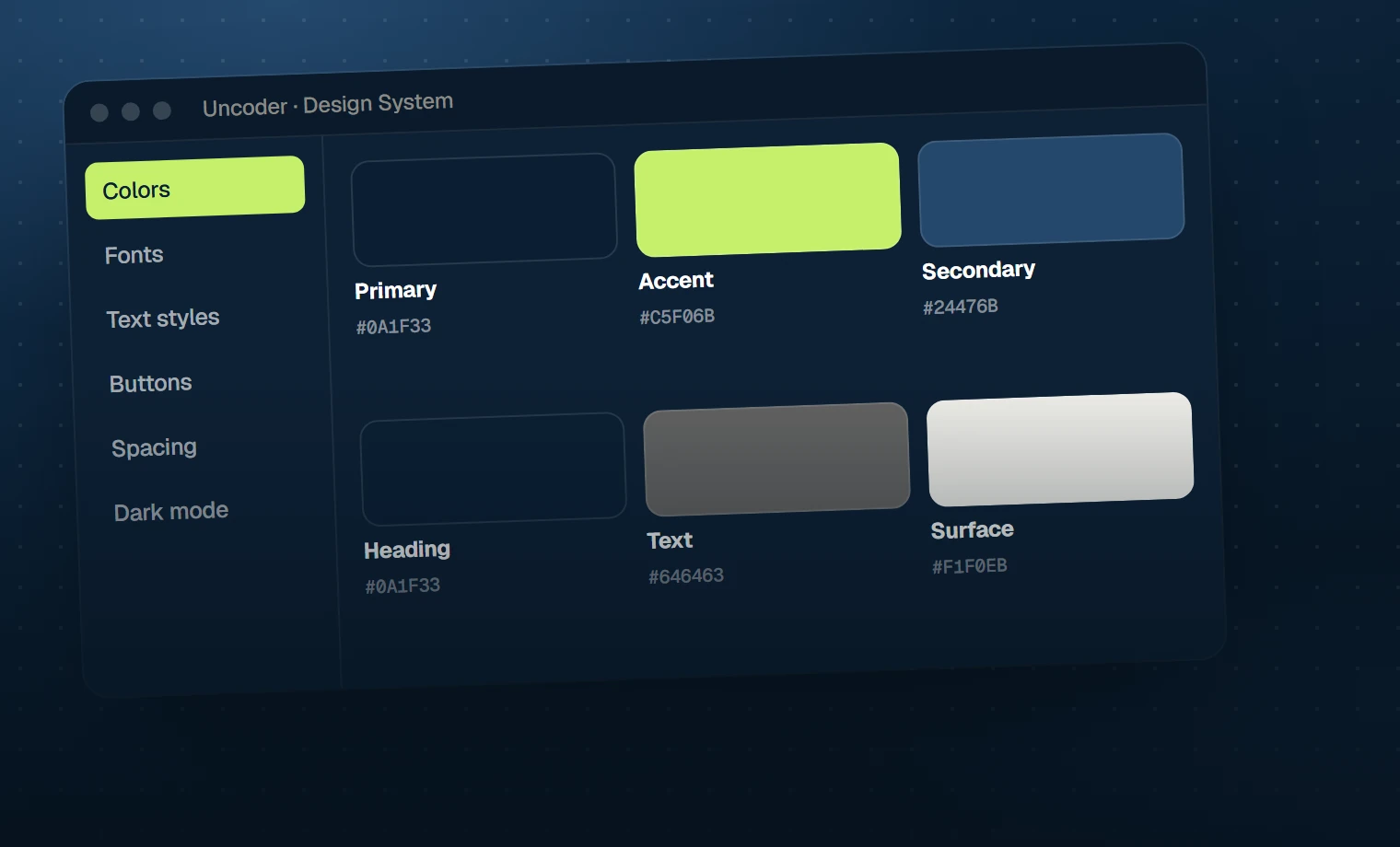
Uncoder · Design System
With your AI
Or just ask
Everything here is something your AI can do for you through Uncoder’s MCP server.
Ask your AI
“Use #1F3A2E as the primary color and #B5623C as the accent, Fraunces for headings and DM Sans for text.”
Ask your AI
“Make all buttons pill-shaped with a subtle lift on hover.”
Brand
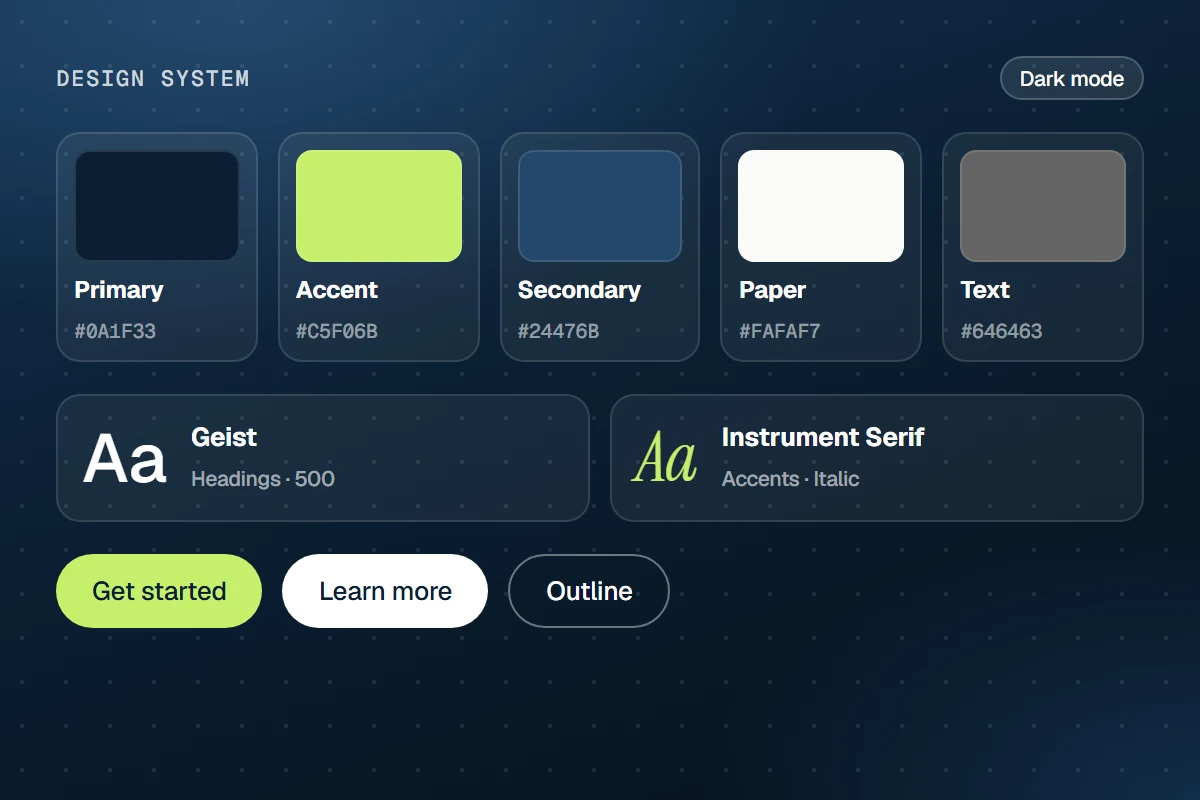
Colors and fonts as variables
Name your brand colors and fonts once. Widgets refer to them, so changing a color changes it everywhere — and the AI can only pick from your palette.
Typography
Text styles that scale
Display, H1–H6, lead, eyebrow and small styles with sizes per device. Pick a style instead of setting fonts on every heading.
Dark mode
Dark mode, built in
Give each color a dark value and add the Color Scheme Switch widget. Visitors choose; their device preference is the default.
Also included
More in Design System
Buttons
Default button look, sizes and hover effect.
Spacing & sizes
A spacing scale and size variables.
Container width
Site width and gutters in one place.
Variables
Custom variables for any value.
Style book
Every widget with your design, on one page.
Revert
Go back to the previous Design System.