
New
58 MCP tools for Claude, ChatGPT and Cursor
Describe the site.
Your AI builds it.
Uncoder is a free visual builder for WordPress with an MCP server built in. Connect the AI you already use, ask for a page, a header or a whole site — and get real, editable Uncoder pages.
Free · GPL · No account · Works with any theme
northwind-studio.com
Works with
Prompt it. Ship it.
As easy as chatting with your AI
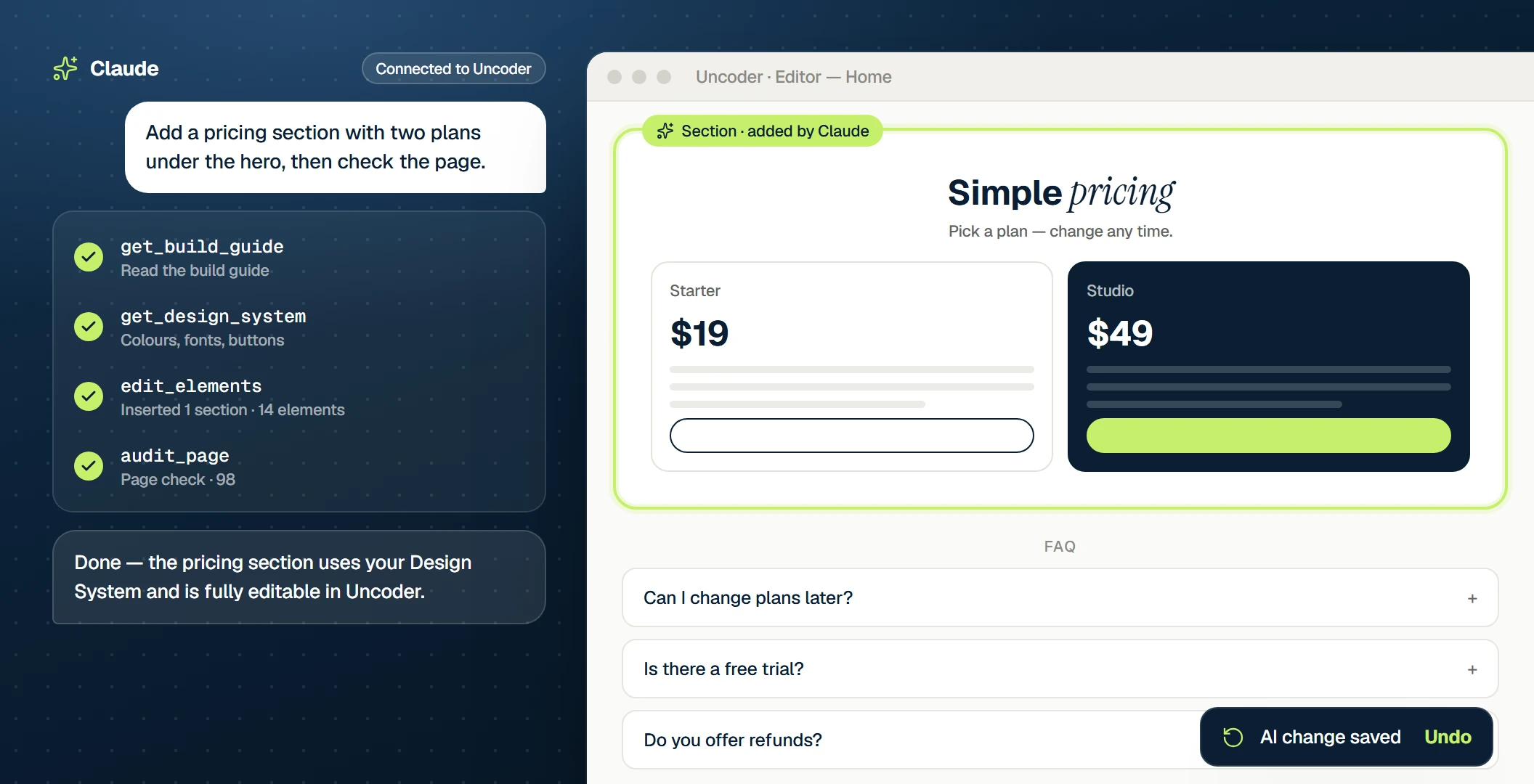
Ask in plain words. Your AI reads the build guide, uses your Design System and builds with real widgets — then tells you exactly what it did.
Claude · connected to your site
You
Build a home page for Bloom Bakery in Leeds: a warm hero, three bestsellers, opening hours and a contact form.
Claude · using Uncoder
Done — it’s on your site and fully editable.
Claude · connected to your site
You
Rebrand the site: deep green #1F3A2E with a terracotta accent, Fraunces for headings. Check button contrast.
Claude · using Uncoder
Done — it’s on your site and fully editable.
Claude · connected to your site
You
Design a sticky header: logo left, the main menu in the middle, a Book a call button right. Show it on every page.
Claude · using Uncoder
Done — it’s on your site and fully editable.
Claude · connected to your site
You
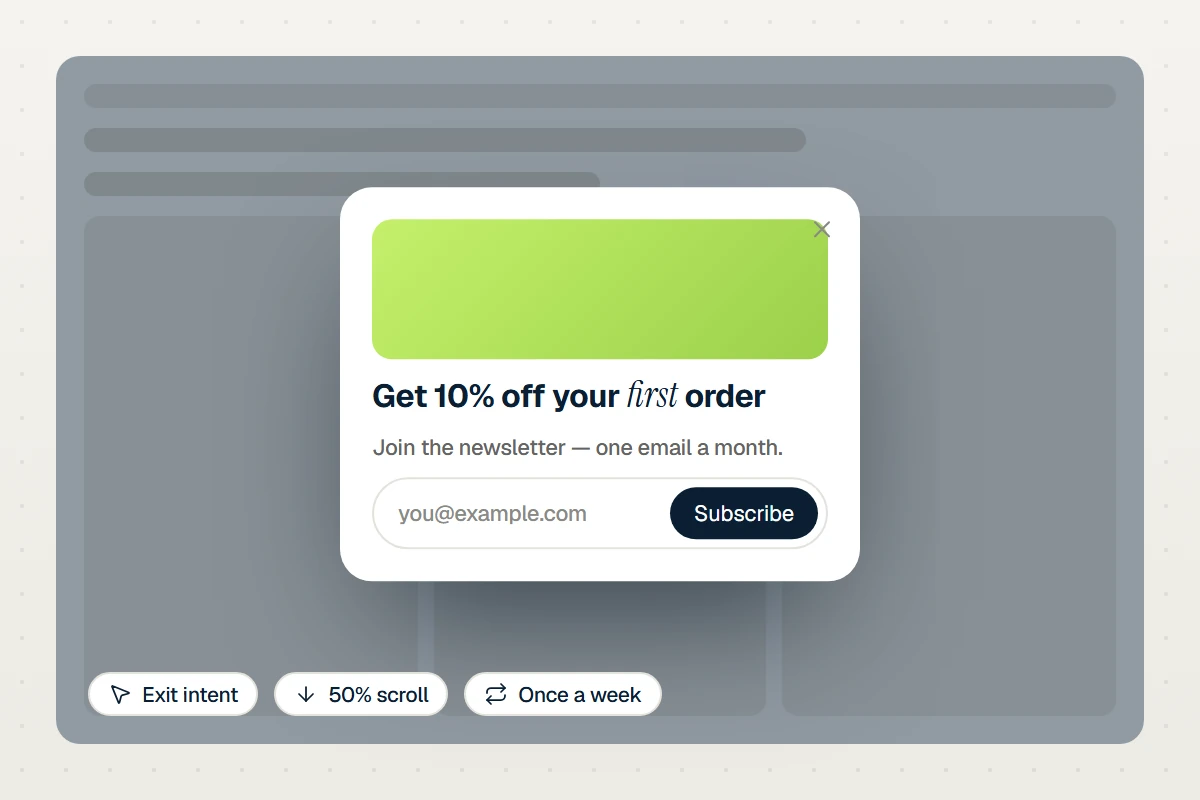
Add a newsletter popup that slides in after half the page, once a week, only for visitors who are not logged in.
Claude · using Uncoder
Done — it’s on your site and fully editable.
Uncoder editor
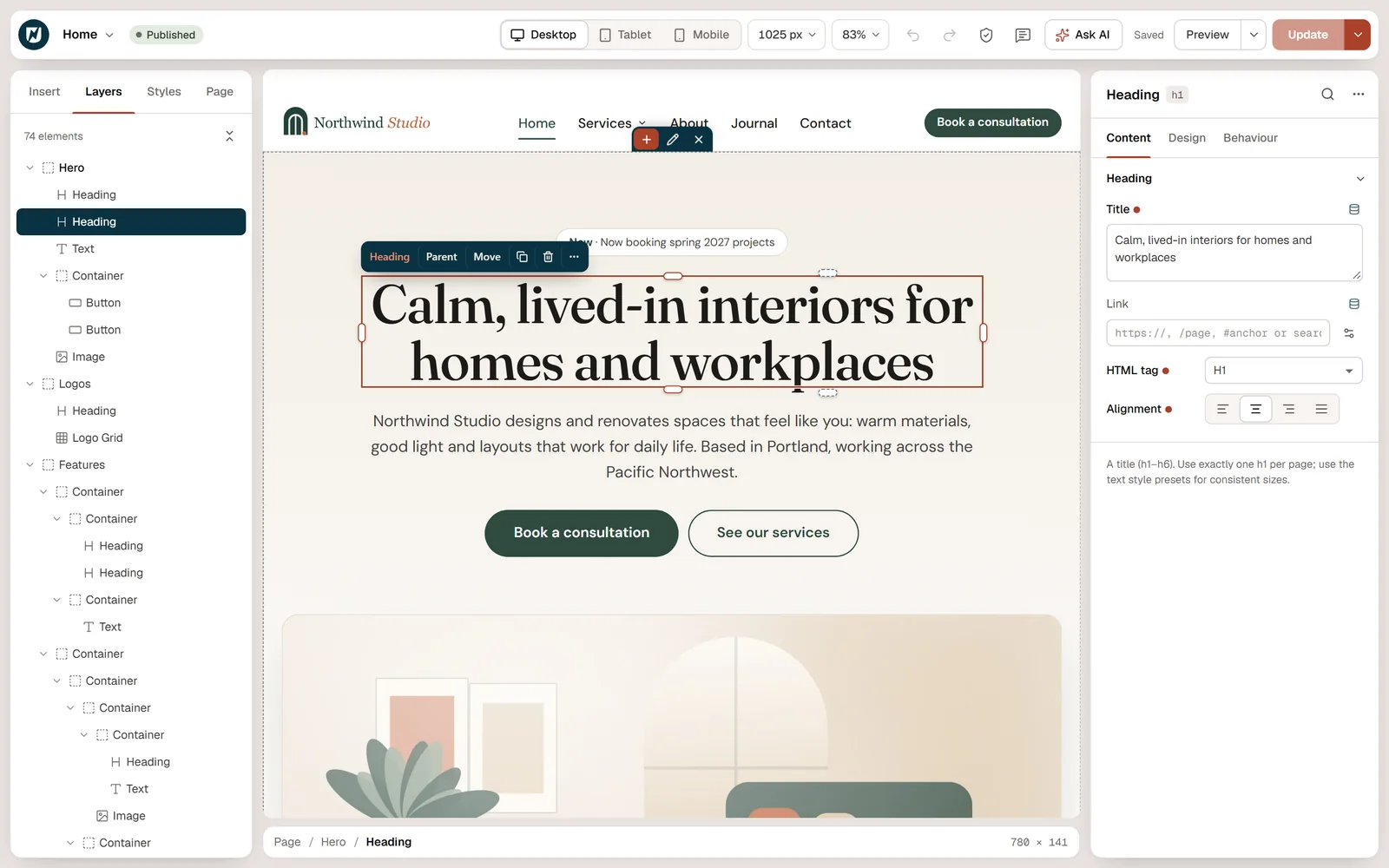
Refine by hand
Nothing is locked
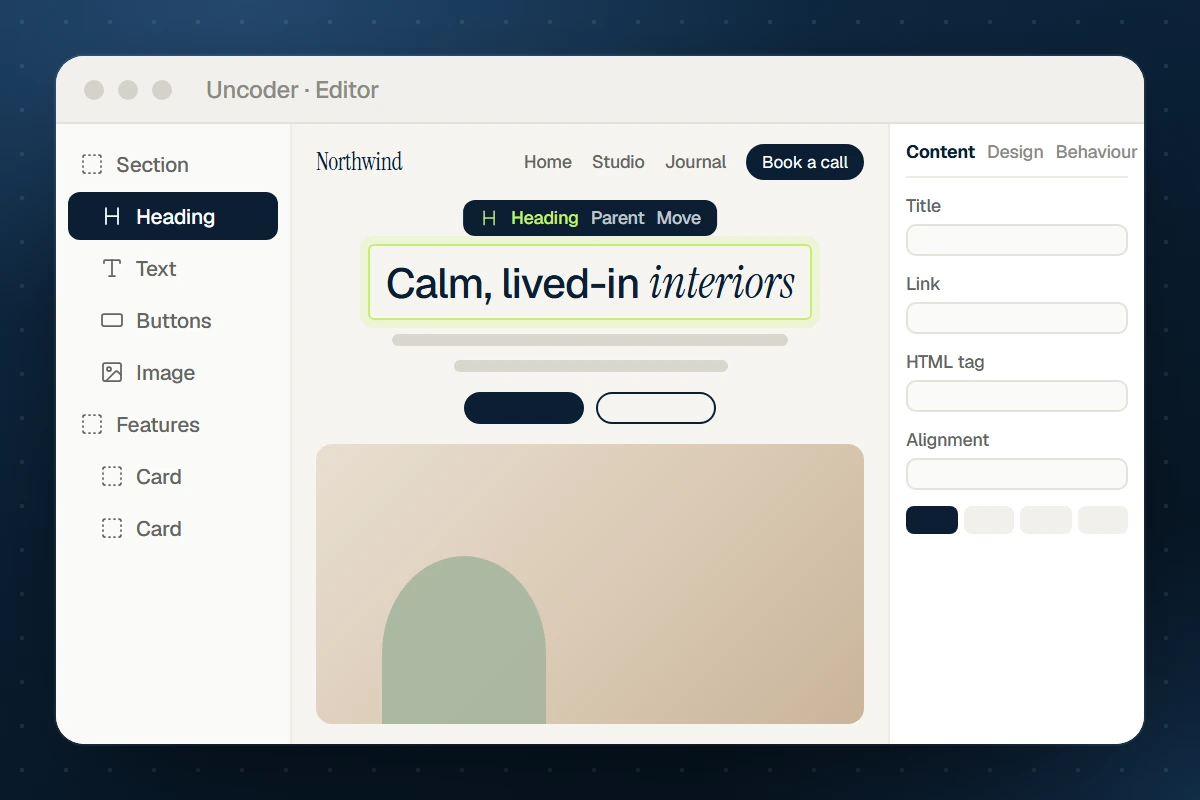
Your AI builds with the same 80 widgets and the same Design System you use. Open any page it made and change a word, a color or a whole section in the visual editor — or ask for the next change.
58 tools
What your AI can do with Uncoder
Connected through MCP, your AI app gets tools for every part of your site — and uses only the ones you allow.
Build and edit pages
Create pages from widgets or 40 section patterns, make precise edits, proofread and audit them.
Learn more →
Restyle the whole site
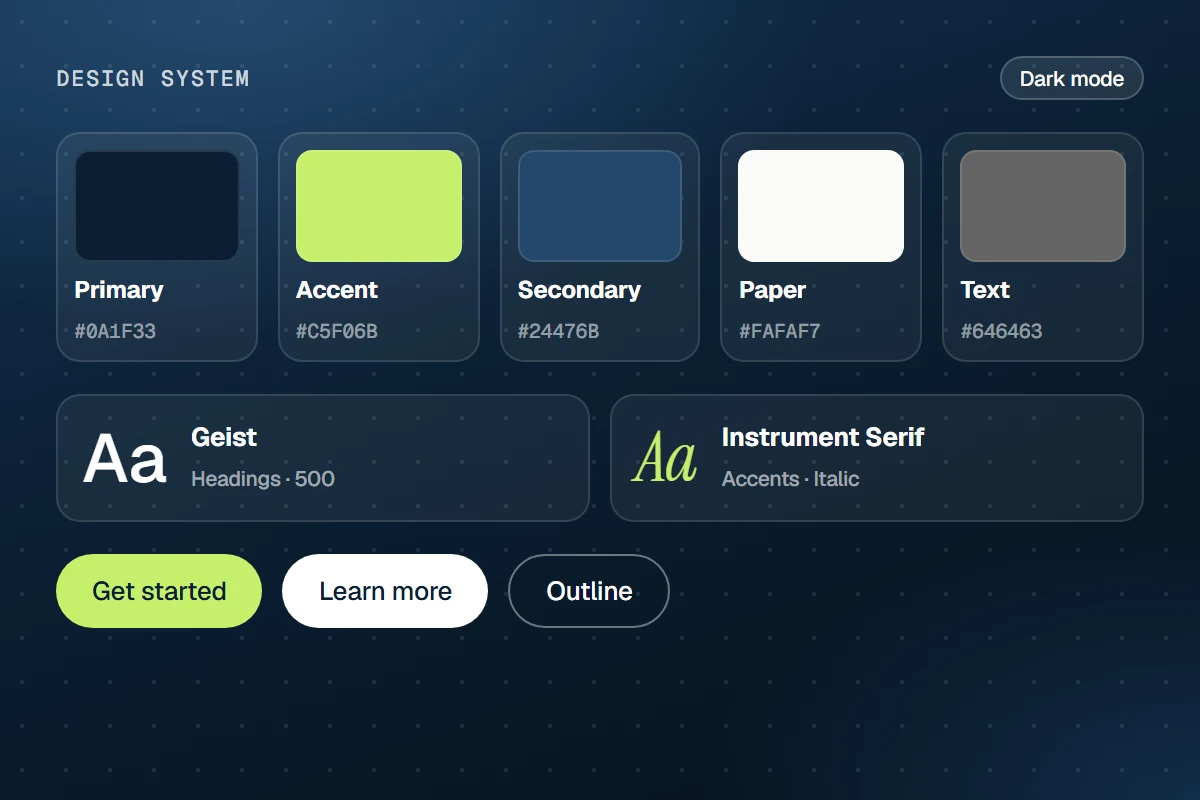
Change brand colors, fonts, text styles and buttons once — every page follows, with a contrast check.
Learn more →
Headers, footers & popups
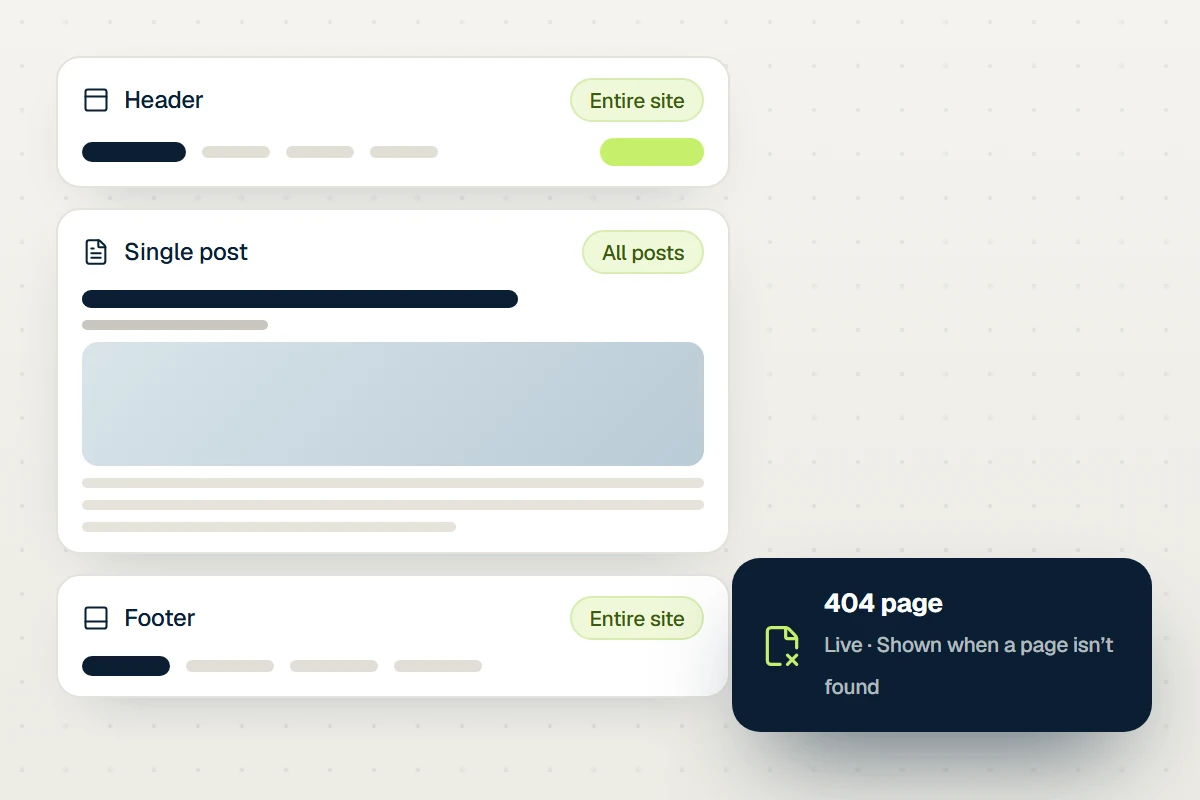
Theme Builder templates, display conditions, mega menus and popups with triggers.
Learn more →
Menus and media
Build menus, upload images, write alt text, find openly licensed photos and make placeholders.
Learn more →
Posts and content
Write blog posts, set categories and featured images, read form submissions you ask about.
Learn more →
Housekeeping
Site settings, SEO titles, custom CSS, find and replace across pages, clearing caches.
Learn more →
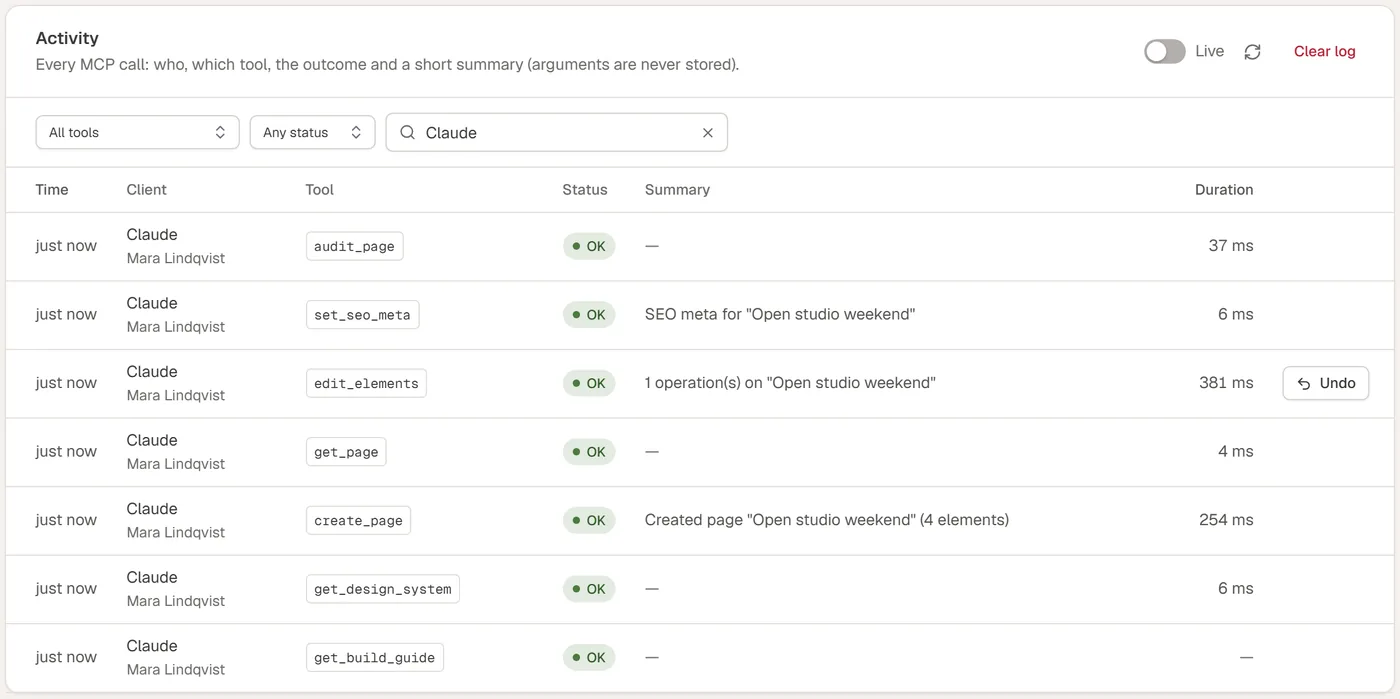
Safe by design
You stay in control
Connecting an AI is like giving a capable assistant a login — Uncoder keeps that login narrow.
Under the hood
A complete builder, for you and your AI
Everything the AI uses is a real feature you can use by hand too.
Editor
Visual editor
Flexbox and grid on a live canvas that renders your real theme, for every device.
Design
Design System
Colors, fonts, text styles and buttons set once, used everywhere — with dark mode.
Theme
Theme Builder
Headers, footers, post layouts, archives and 404 pages with display conditions.
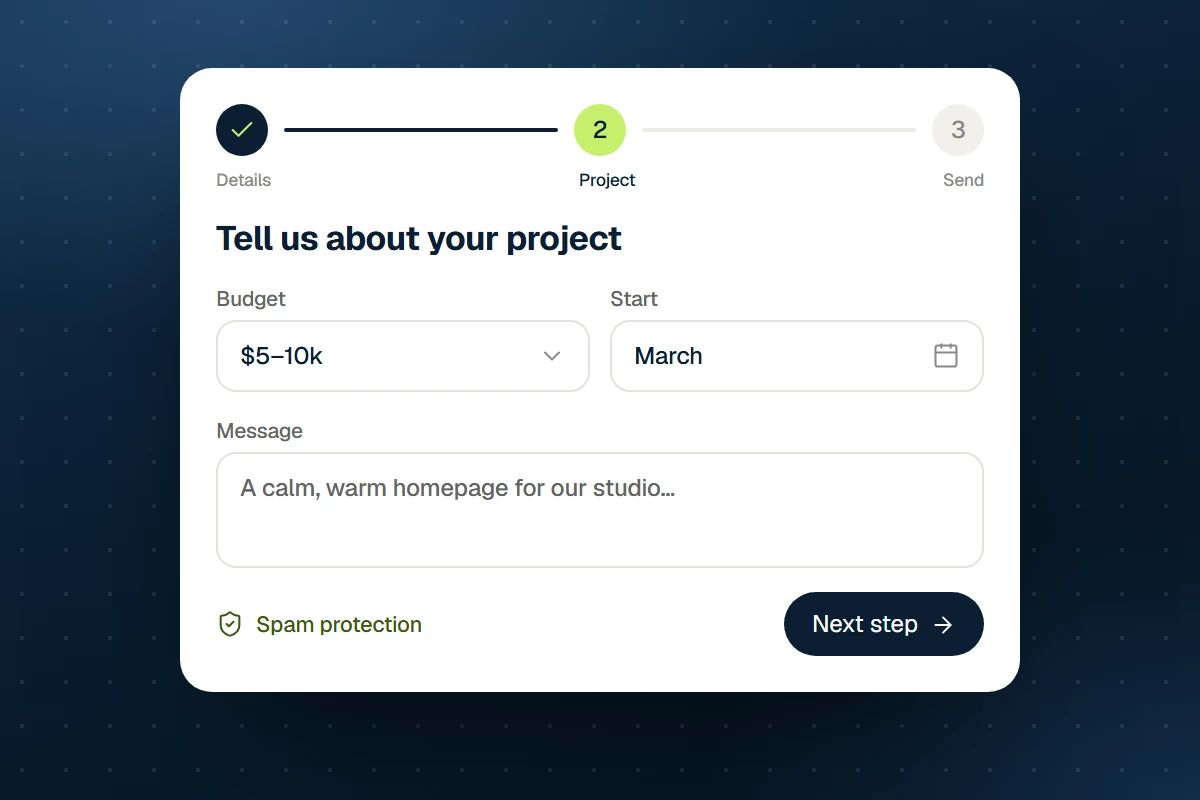
Forms
Forms & popups
Multi-step forms, spam protection and popups with triggers and targeting.
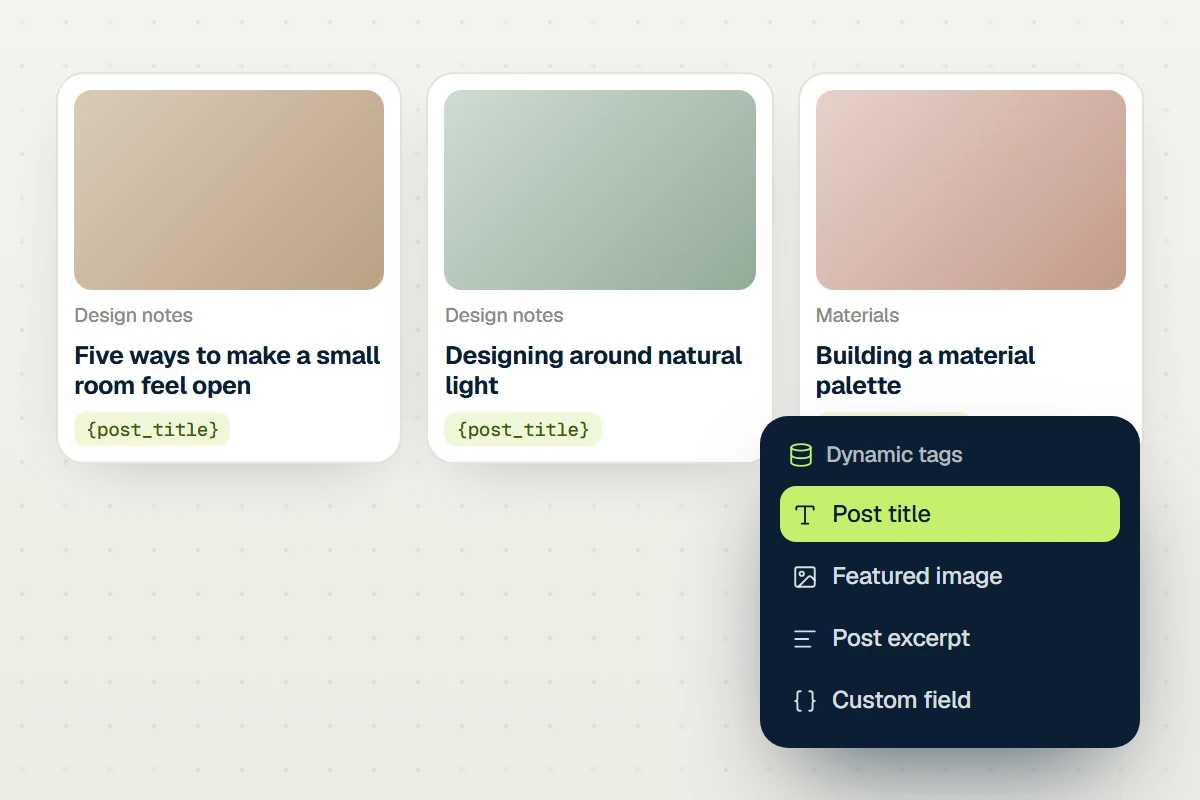
Dynamic
Dynamic data
Loop grids, dynamic tags, custom fields and conditions for content sites.
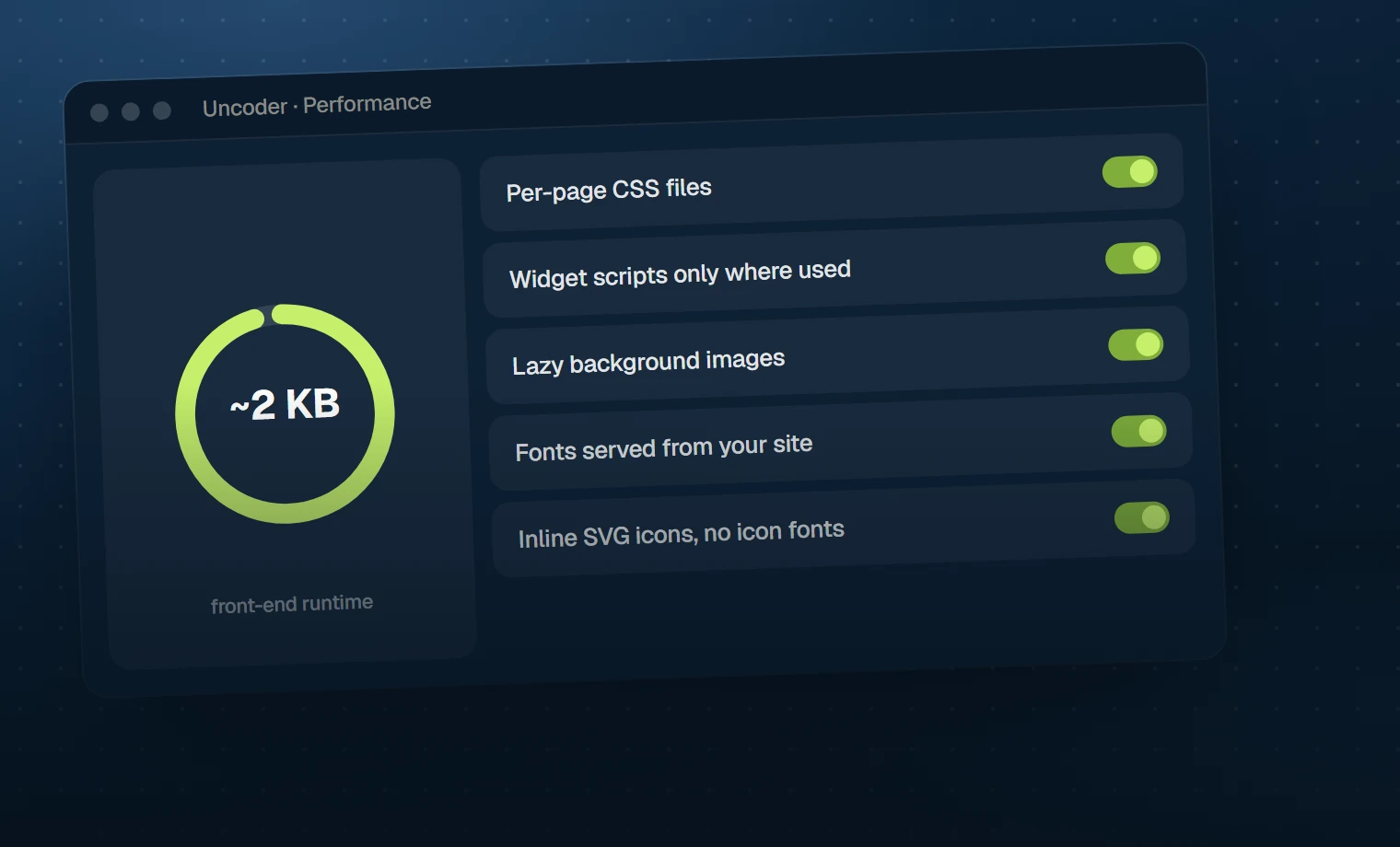
Speed
Performance
A tiny runtime, per-page CSS and scripts that load only where used.
80 widgets
Every widget your AI needs
From headings to loop grids, mega menus and forms — each with its own page, live demo and the prompt that builds it.
Get started
From install to first page in minutes
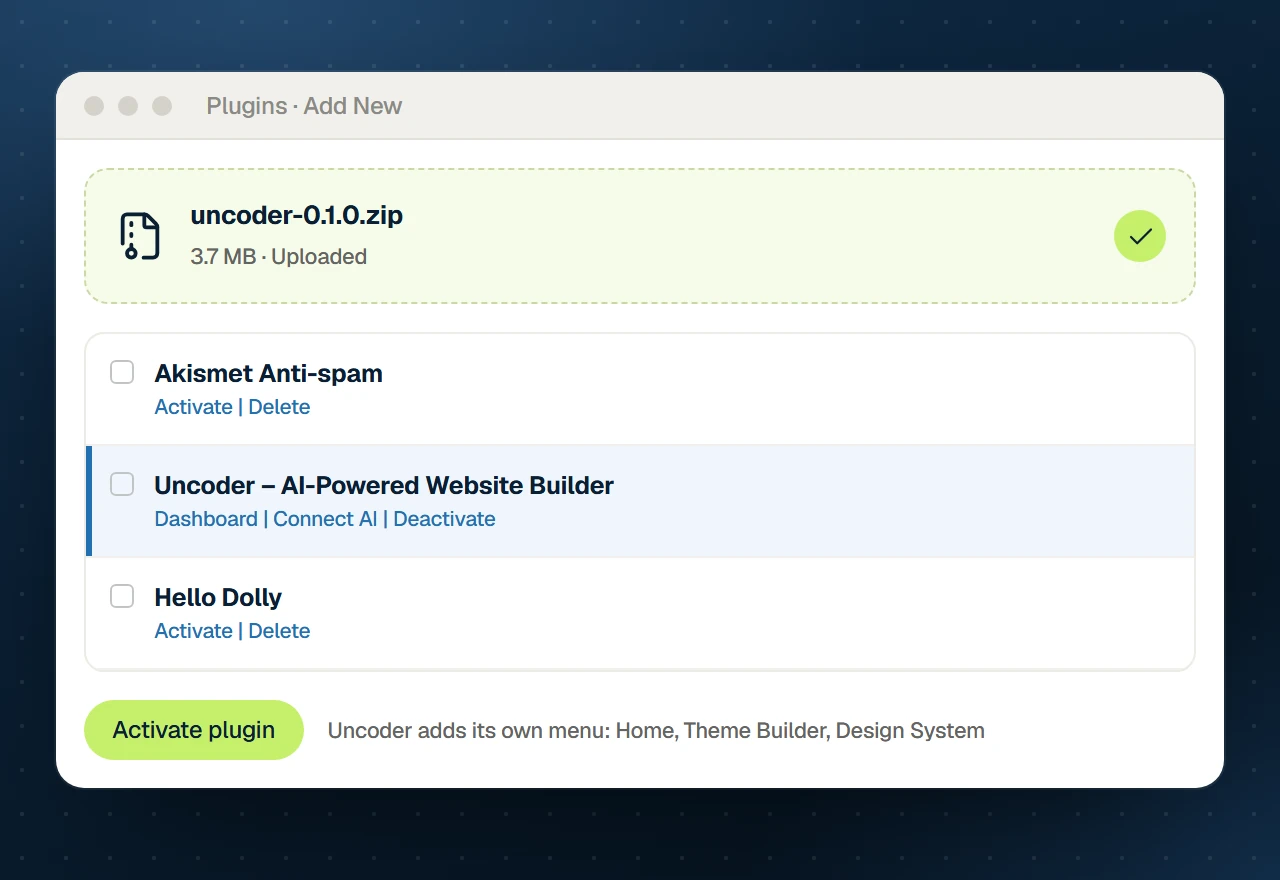
01
Install Uncoder
Download the free plugin and upload it under Plugins → Add New. No account, no licence key.
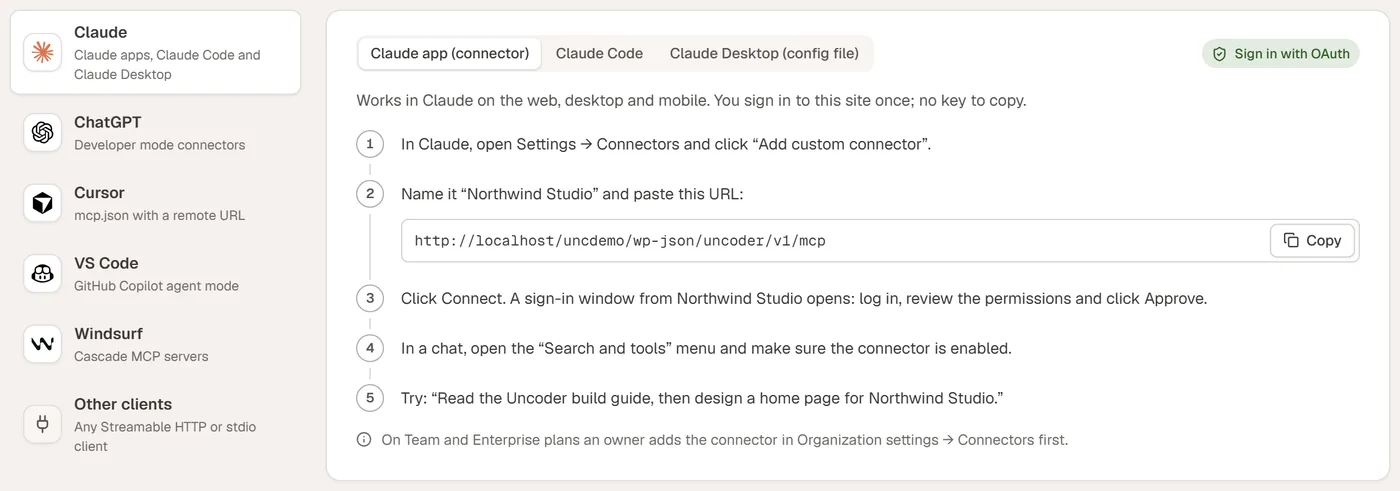
02
Connect your AI
Copy the server address into Claude, ChatGPT or Cursor — OAuth sign-in or a scoped API key.

03
Describe your site
Ask for a page, a header or a rebrand. Review it, tweak it by hand, publish.
FAQ