

Section library
Copy a section. Paste it in your page.
Heroes, pricing tables, testimonials, footers and more. Free sections paste straight into the Uncoder editor in your own colours and fonts. Premium sections from the starter sites come with Pro and Agency.
All sections

Hero: centered with badge and two buttons, section #39
Free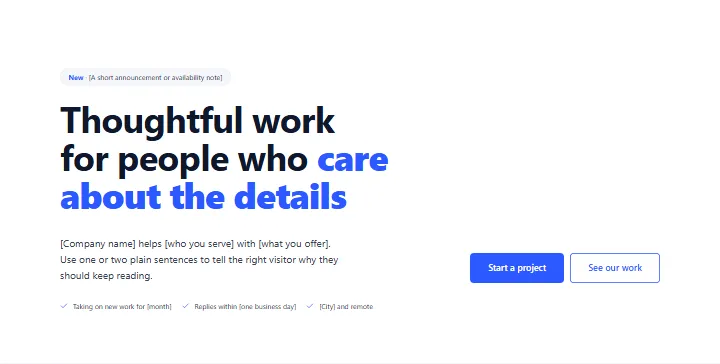
Hero: minimal, text only, section #38
Free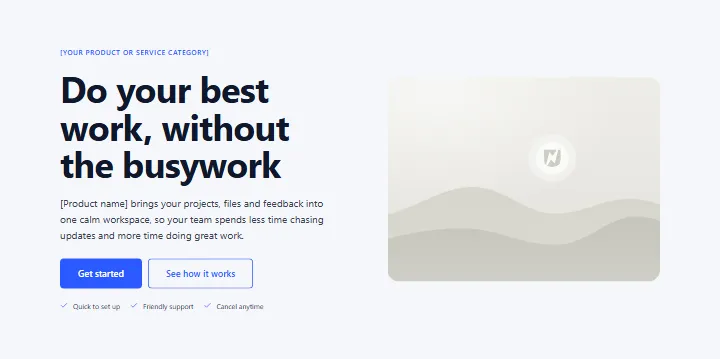
Hero: text and image side by side, section #37
Free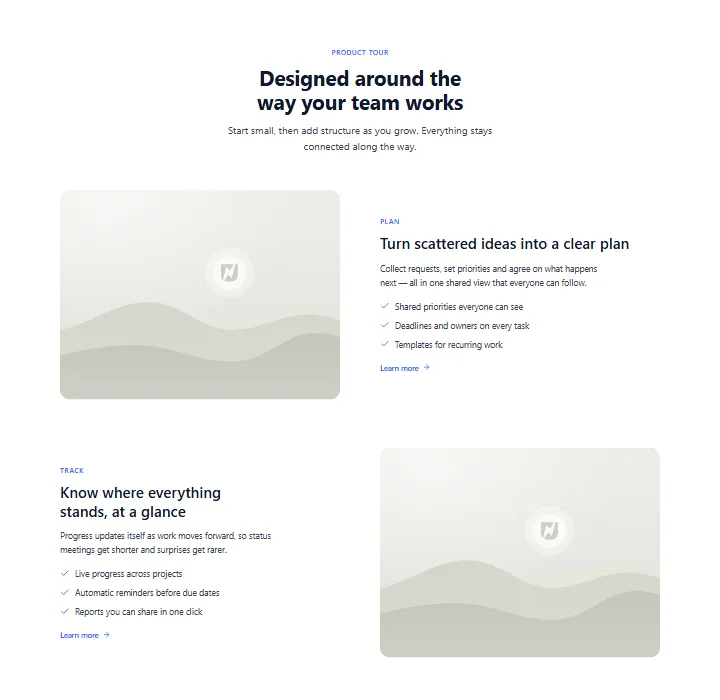
Features: alternating image and text rows, section #36
Free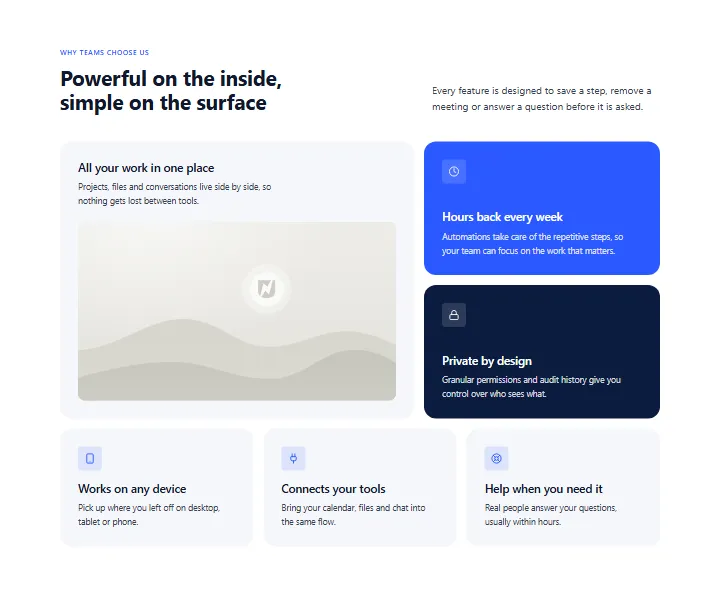
Features: bento grid, section #35
Free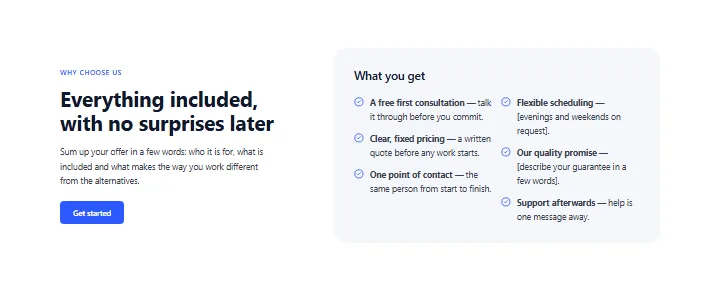
Features: text with checklist card, section #34
Free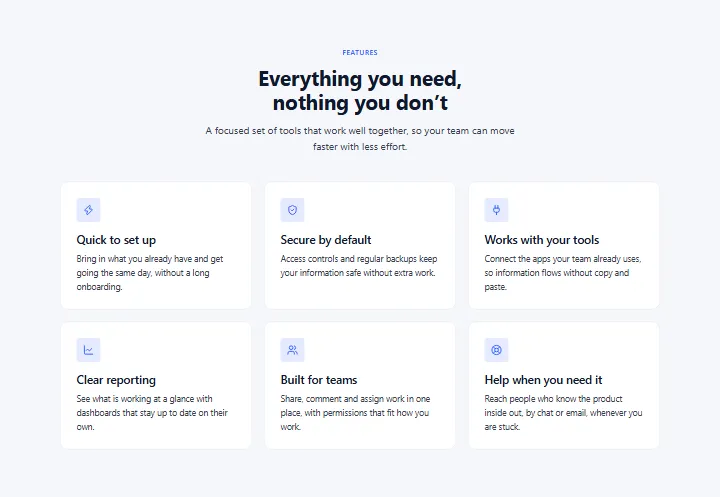
Features: 3-column icon cards, section #33
Free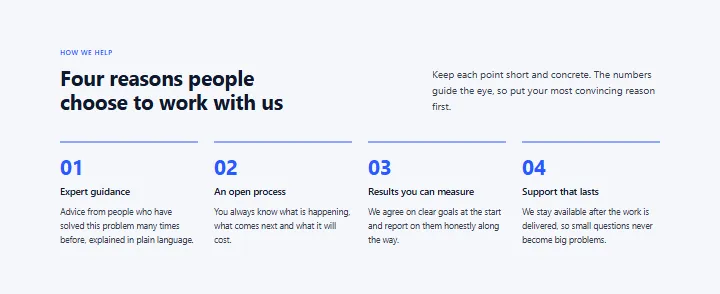
Features: numbered grid, section #32
Free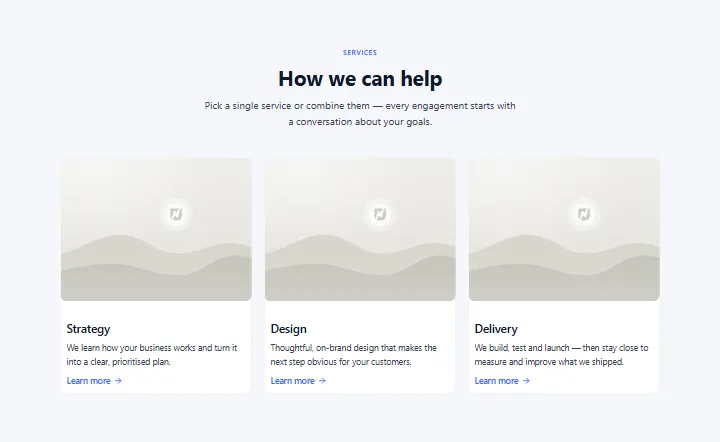
Services: image cards with links, section #31
Free
Logo strip, section #30
Free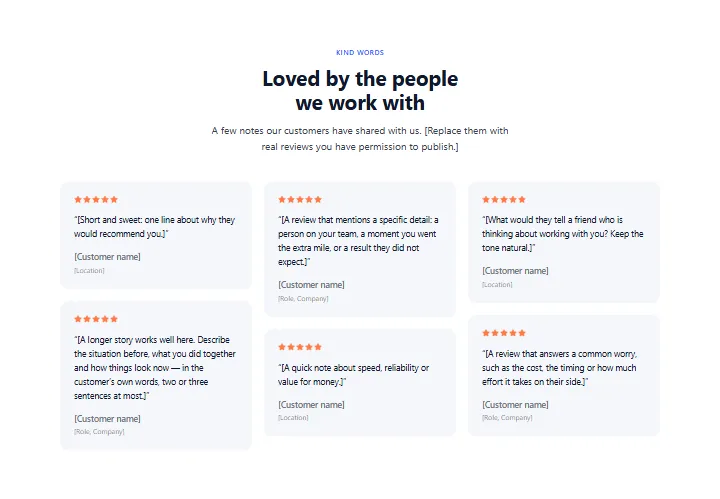
Reviews: masonry wall, section #29
Free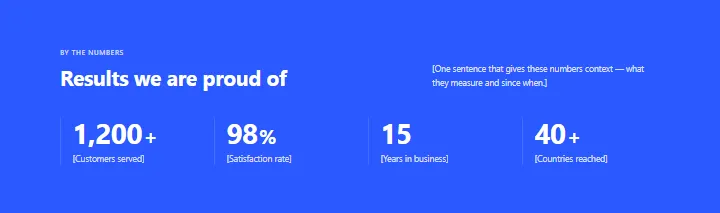
Stats band: 4 numbers, section #28
Free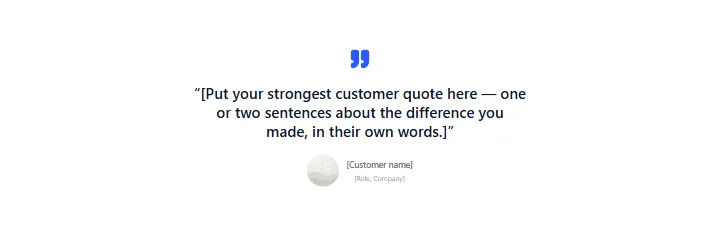
Testimonial: large single quote, section #27
Free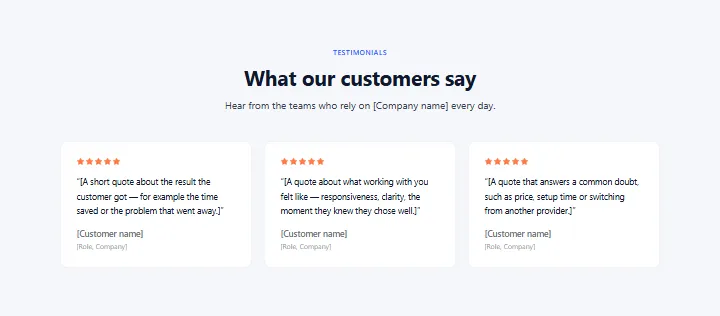
Testimonials: three cards, section #26
Free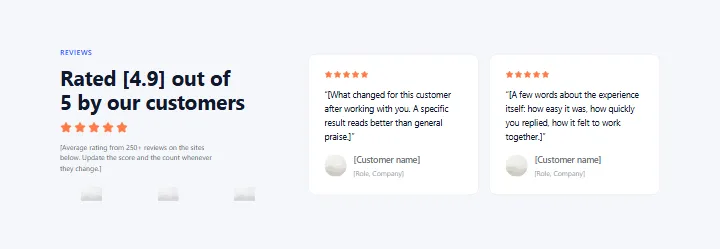
Testimonials: rating summary with logos, section #25
Free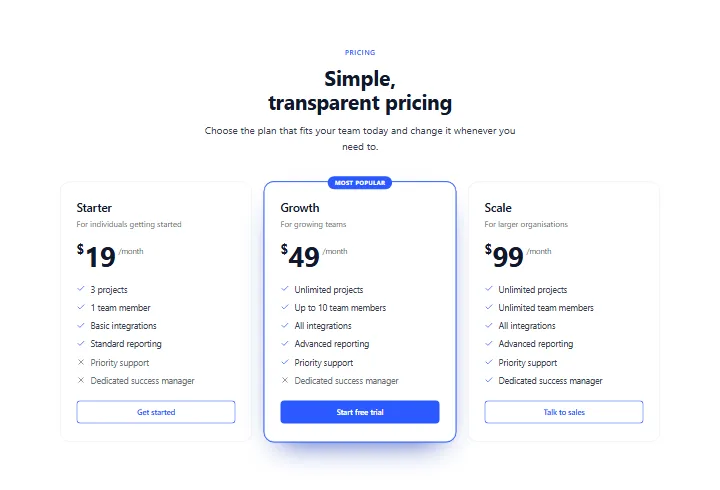
Pricing: three plans, middle highlighted, section #24
Free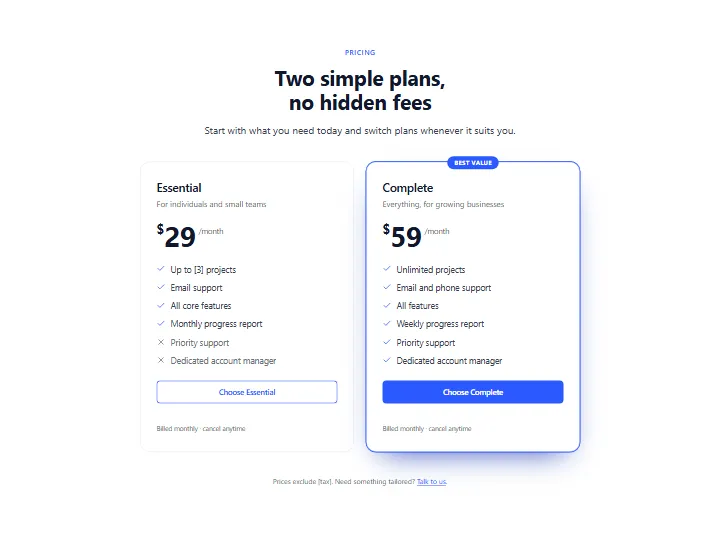
Pricing: two plans side by side, section #23
Free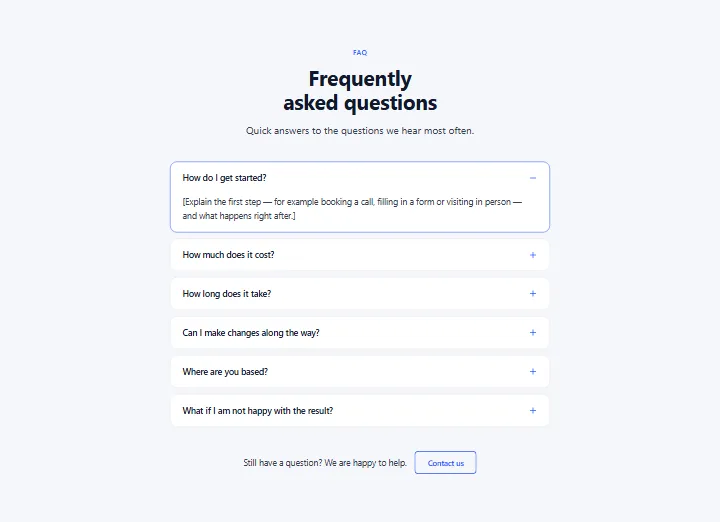
FAQ: centered accordion, section #22
Free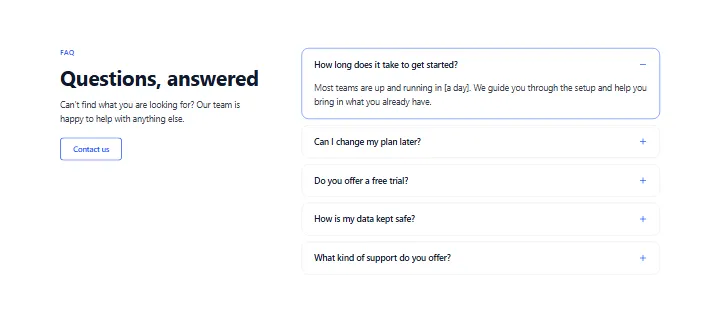
FAQ: intro and accordion in two columns, section #21
Free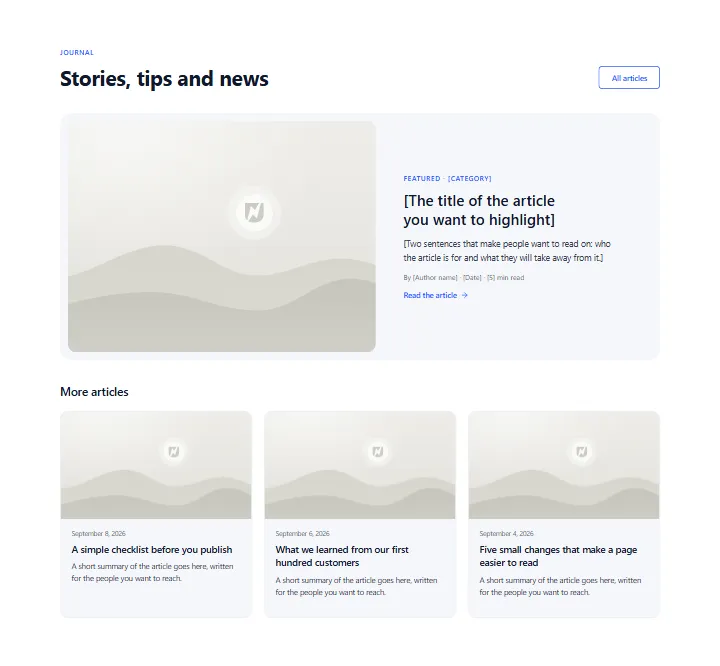
Blog: featured post and latest posts, section #20
Free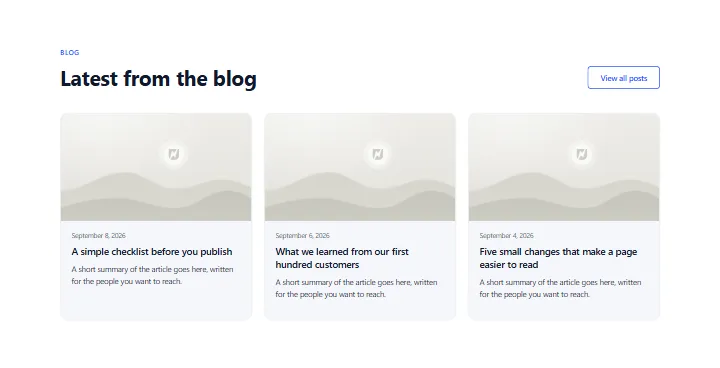
Blog: latest posts, section #19
Free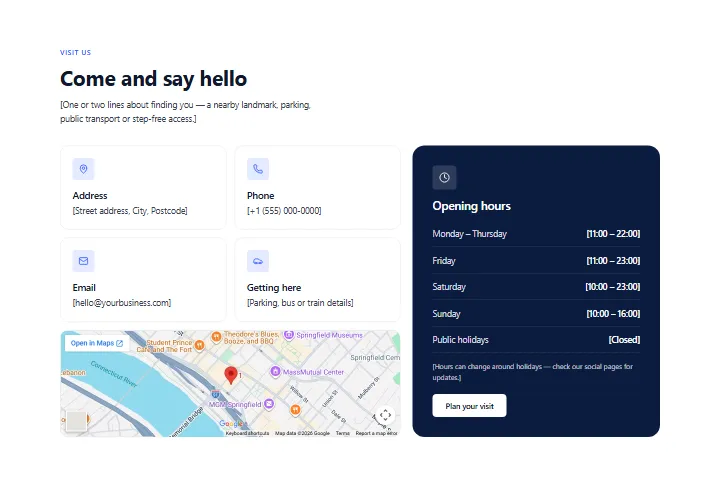
Contact: info cards, map and opening hours, section #18
Free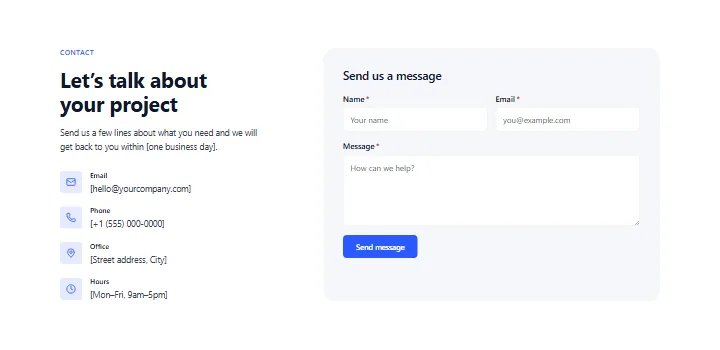
Contact: details and form, section #17
Free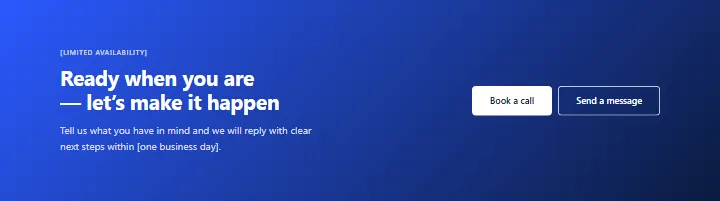
Call to action: gradient banner, section #16
Free
Call to action: dark band, section #15
Free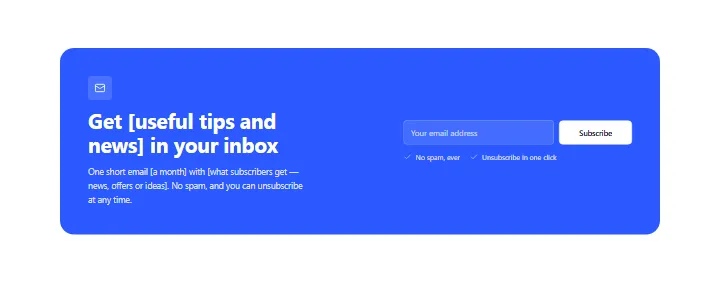
Call to action: newsletter sign-up card, section #14
Free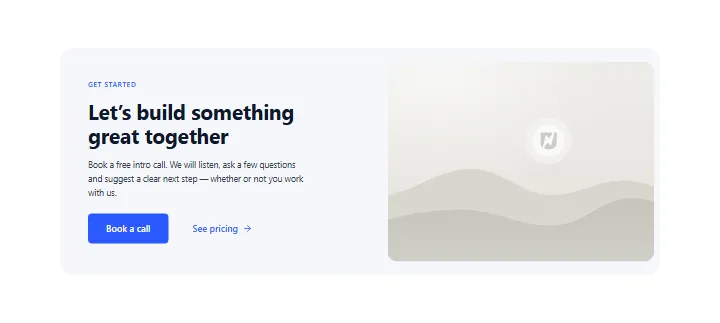
Call to action: card with image, section #13
Free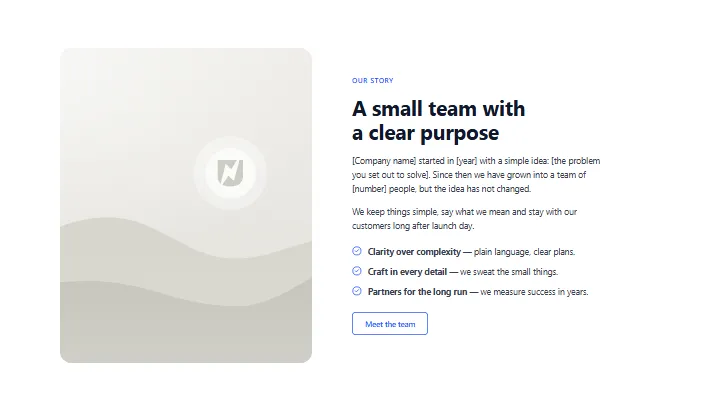
About: our story with image, section #12
Free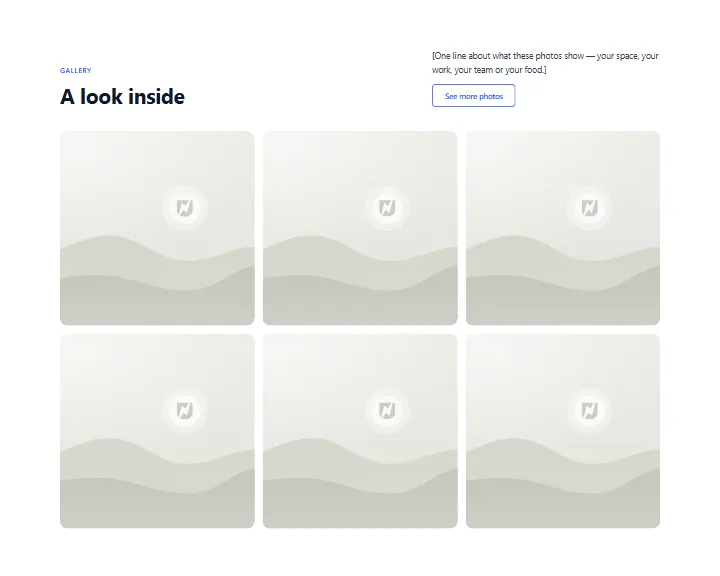
Content: photo gallery grid, section #11
Free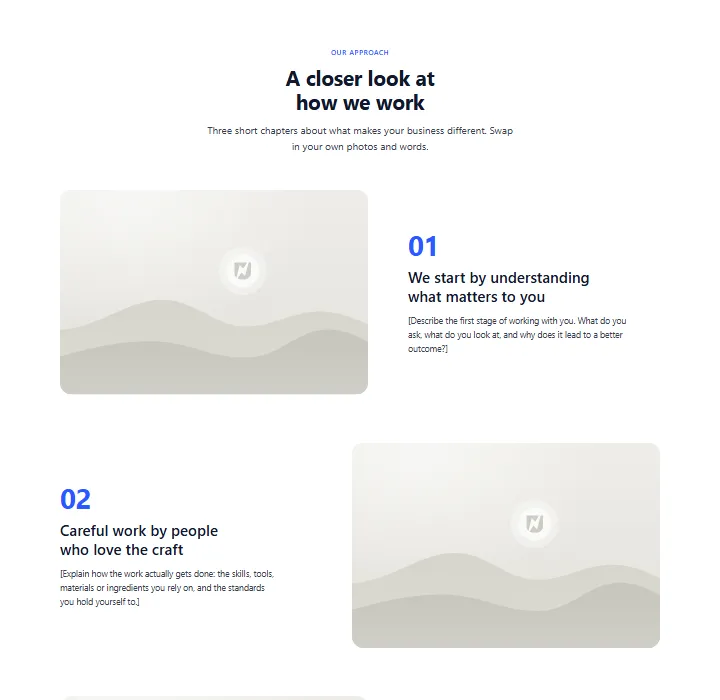
Content: zigzag story rows, section #10
Free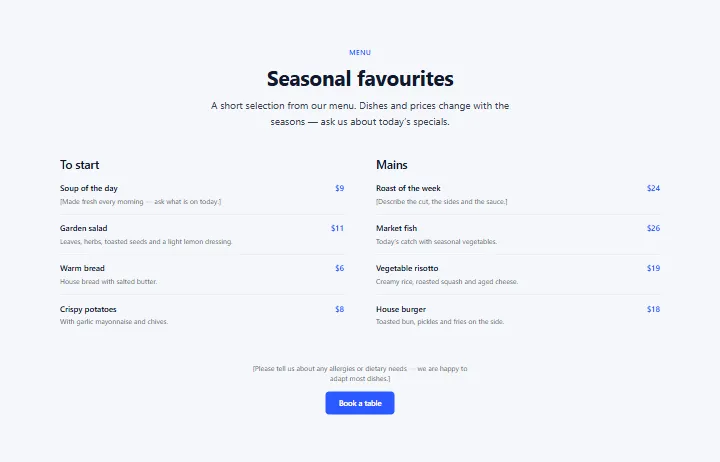
Content: menu or price list, section #9
Free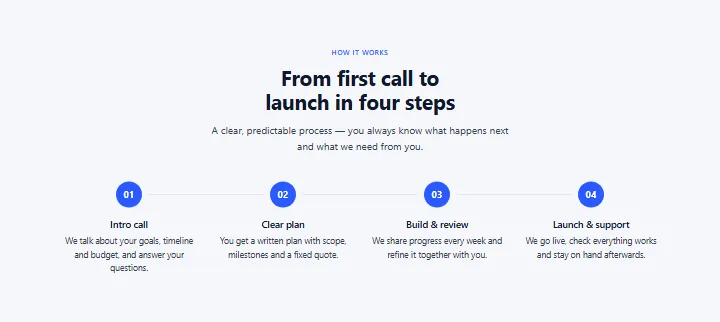
Process: four steps, section #8
Free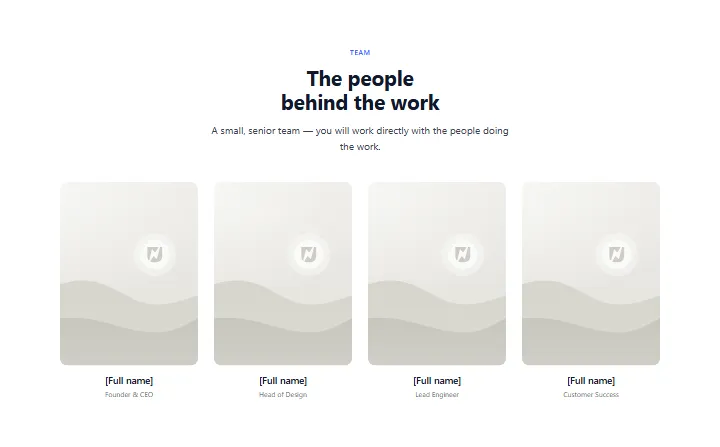
Team: four people, section #7
Free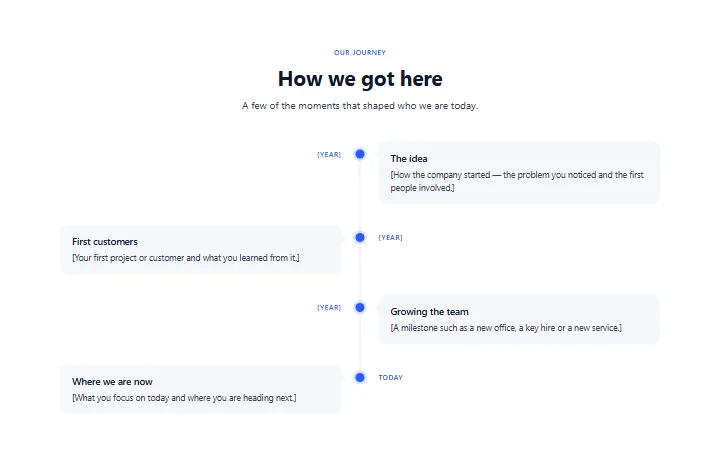
Timeline: company milestones, section #6
Free
Header: centered logo, section #5
FreeNo section matches. Try another word or category.
Clear the filtersShowing 36 of 40
Load more sectionsHow it works
From this page to yours in three steps
1. Copy a free section
Click “Copy section” on any free section. It goes to your clipboard, ready for Uncoder.
2. Paste it in Uncoder
Open a page in the Uncoder editor, select the section it should follow and press Ctrl+V (⌘V on a Mac).
3. It takes your style
Free sections use your Design System, so they arrive in your colours and fonts. Change the words and photos, or ask your AI app to.
FAQ