

Section library
Copy a section. Paste it in your page.
Heroes, pricing tables, testimonials, footers and more. Free sections paste straight into the Uncoder editor in your own colours and fonts. Premium sections from the starter sites come with Pro and Agency.
All sections

Ticker, section #1129
Pro
Trusted By, section #1128
Pro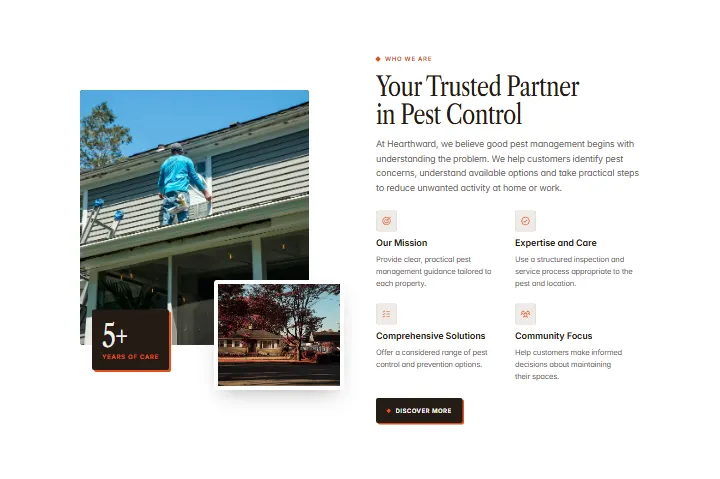
About, section #1127
Pro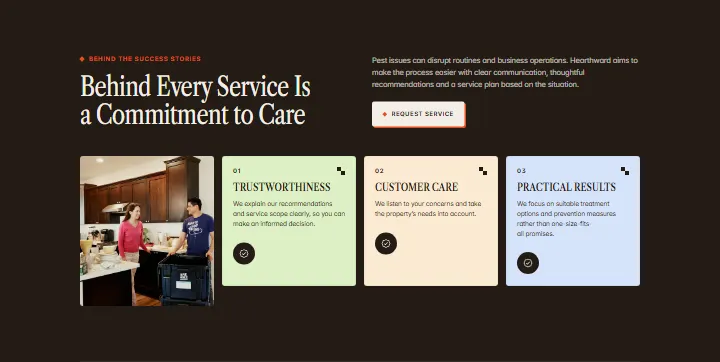
Behind The Service, section #1126
Pro
Statistics, section #1125
Pro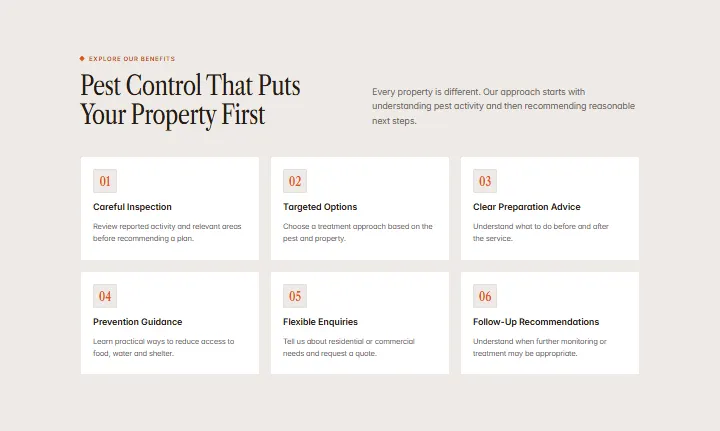
Benefits, section #1124
Pro
Services, section #1123
Pro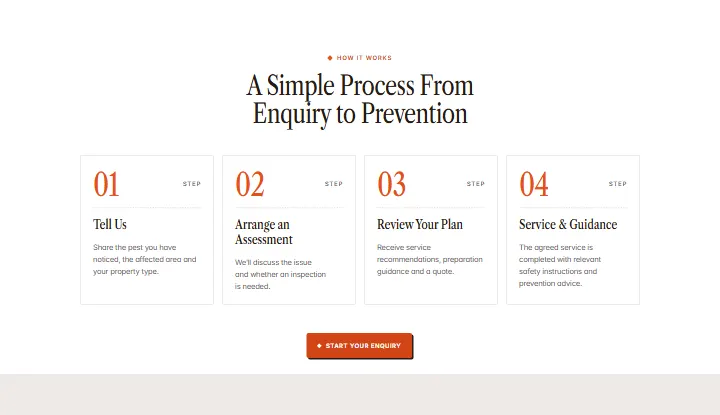
How It Works, section #1122
Pro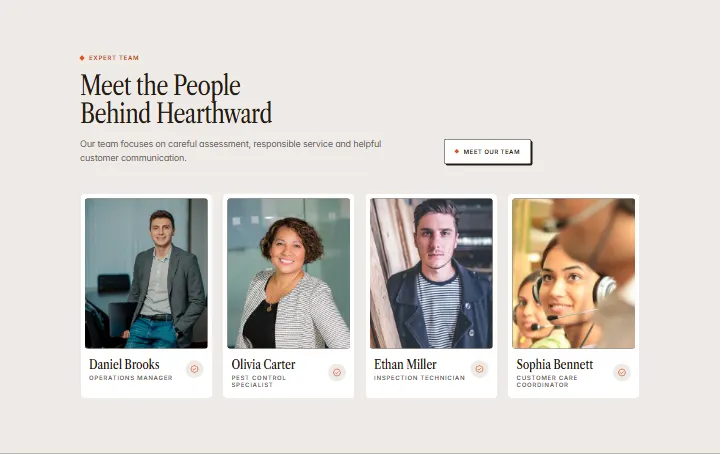
Team, section #1121
Pro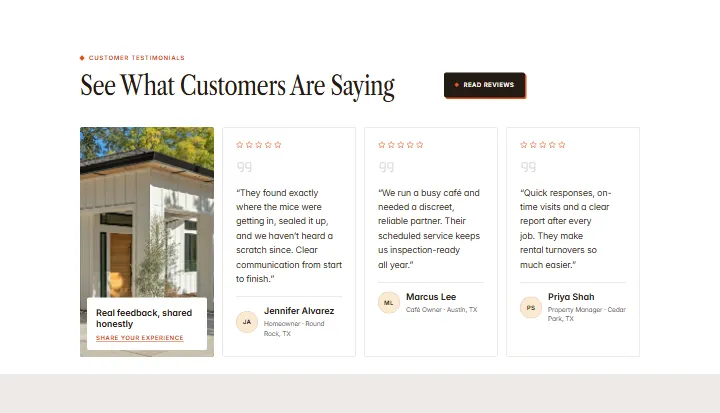
Testimonials, section #1120
Pro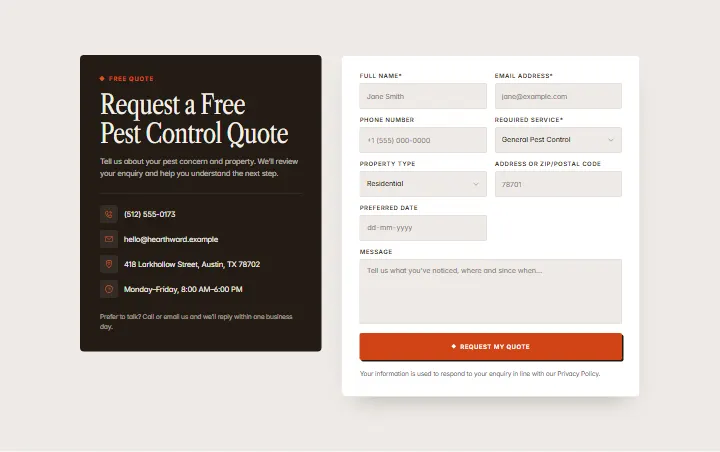
Quote Form, section #1119
Pro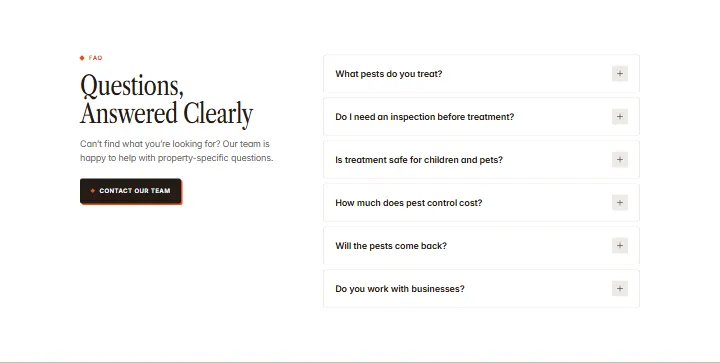
FAQ, section #1118
Pro
Call to action, section #1117
Pro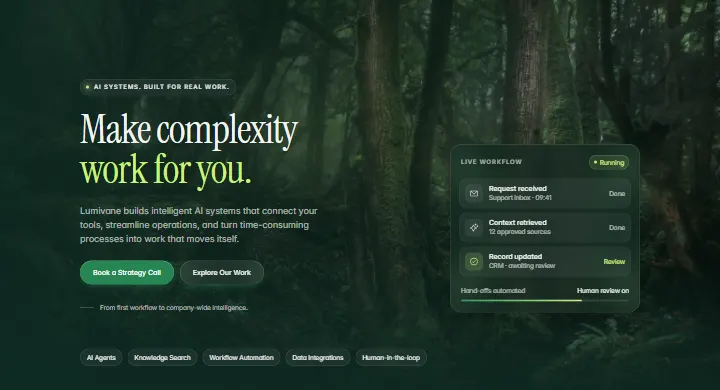
Hero, section #1116
Pro
Ticker, section #1115
Pro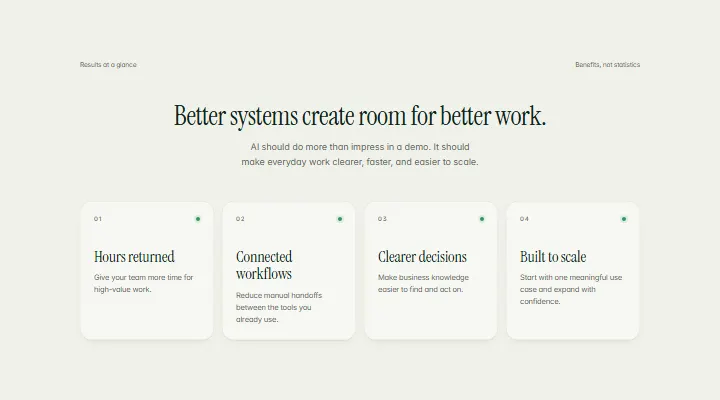
Benefits, section #1114
Pro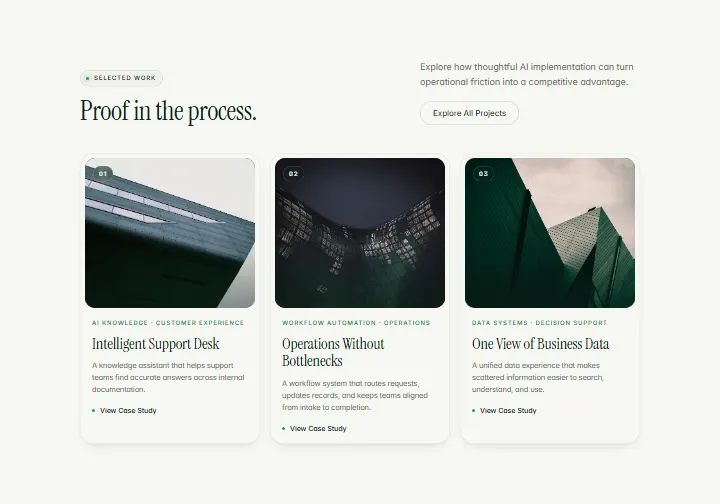
Selected Work, section #1113
Pro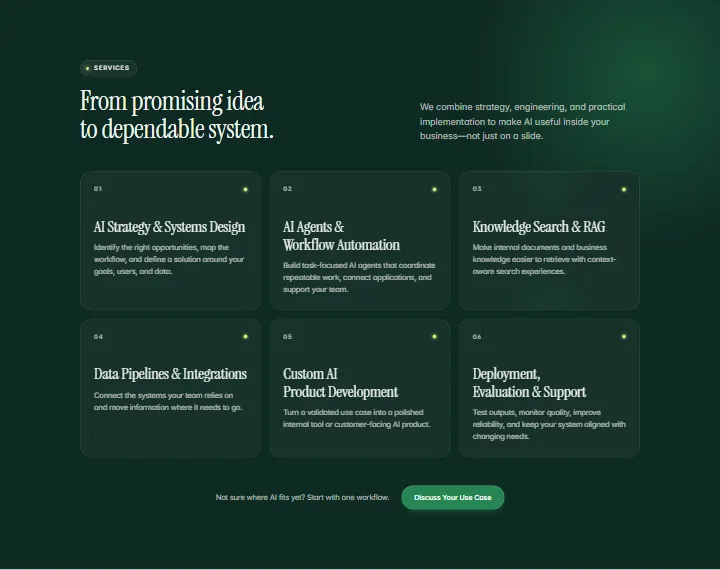
Services, section #1112
Pro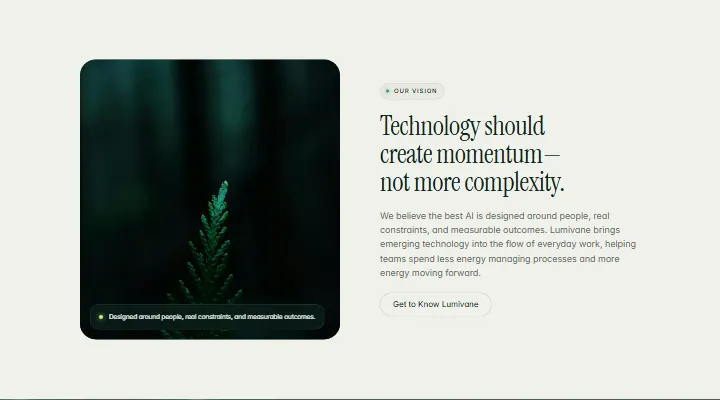
Our Vision, section #1111
Pro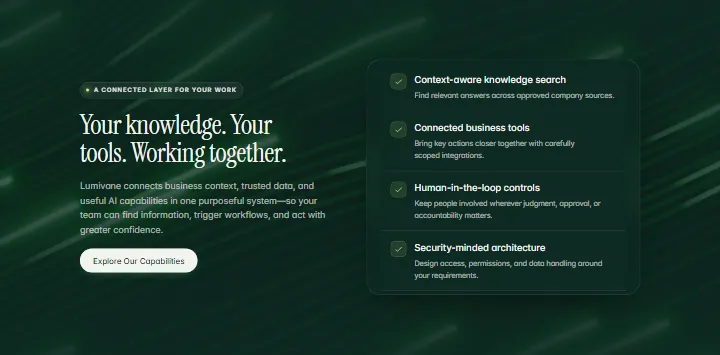
Connected Features, section #1110
Pro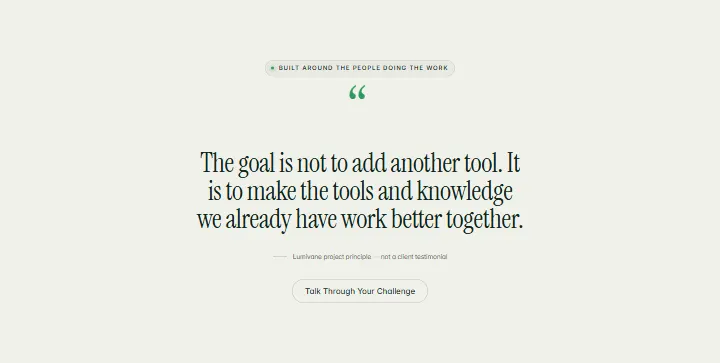
Quote, section #1109
Pro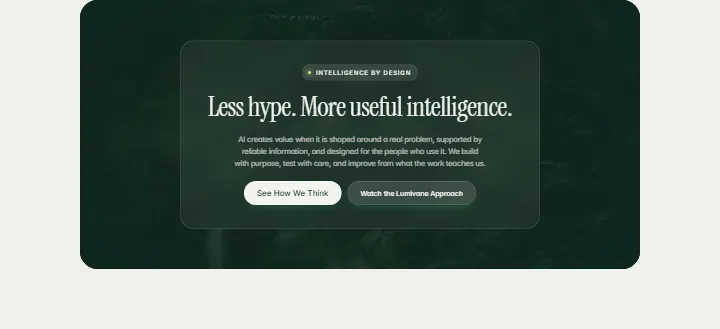
Banner, section #1108
Pro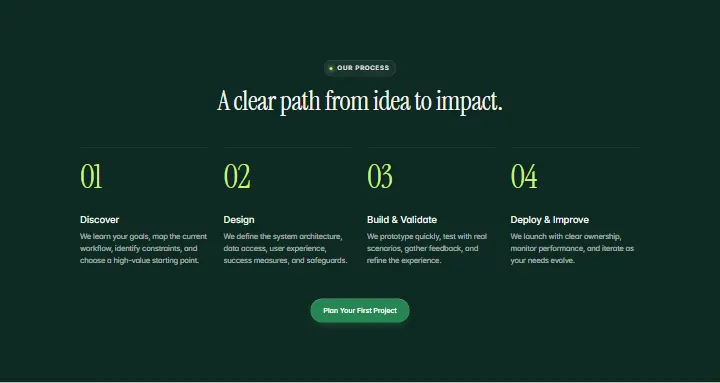
Our Process, section #1107
Pro
About, section #1106
Pro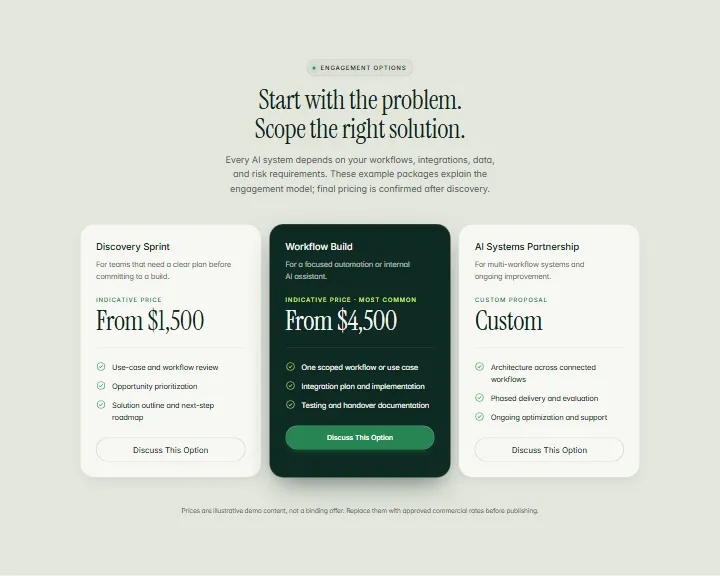
Pricing, section #1105
Pro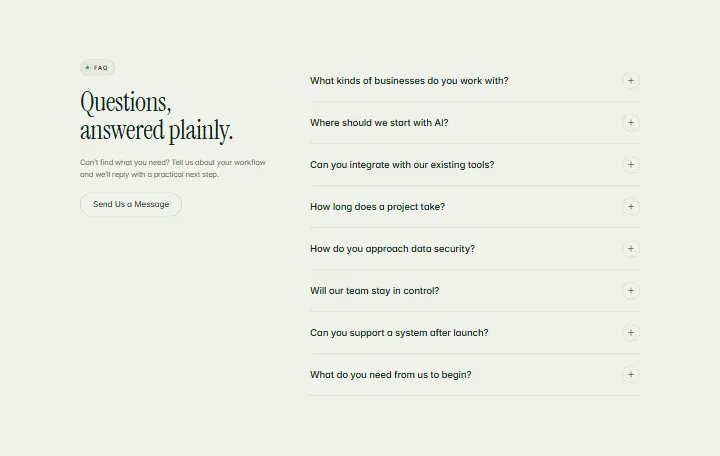
FAQ, section #1104
Pro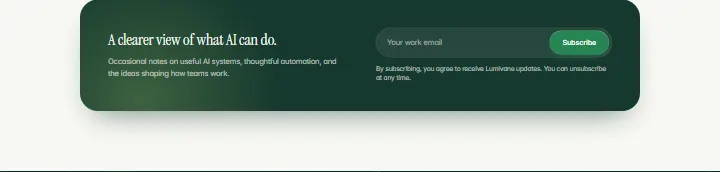
Newsletter, section #1103
Pro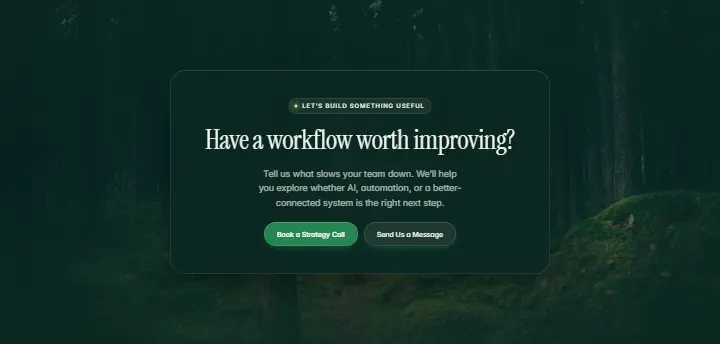
Call to action, section #1102
Pro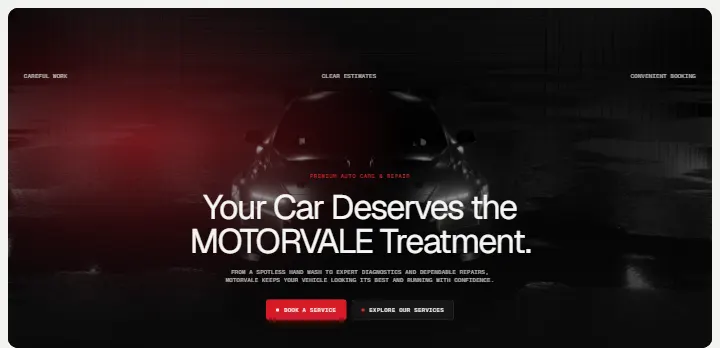
Hero, section #1101
Pro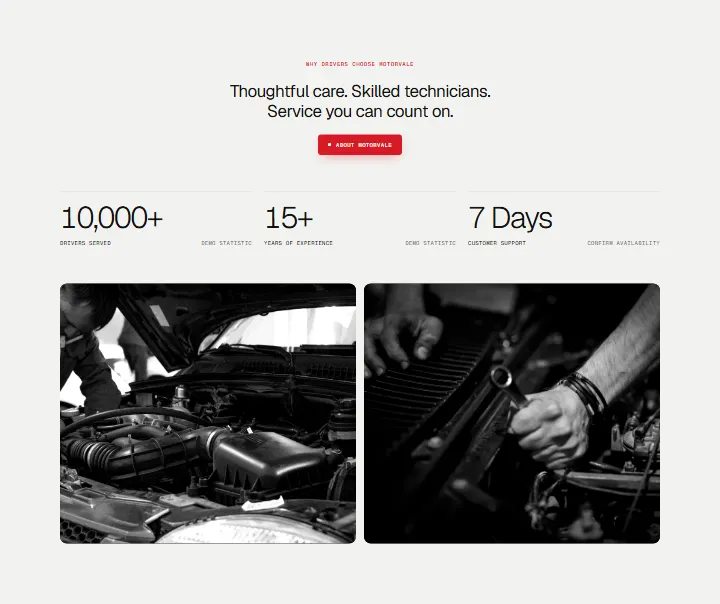
Why Drivers Choose Us, section #1100
Pro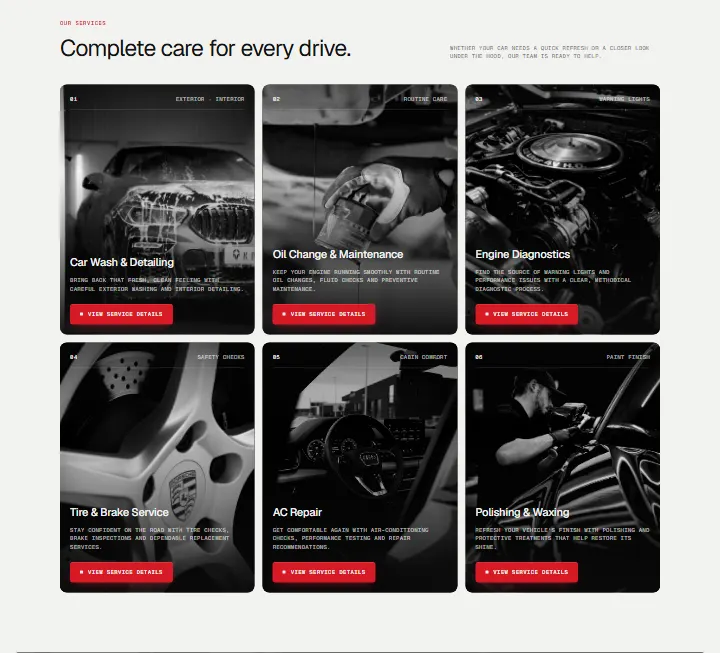
Services, section #1099
Pro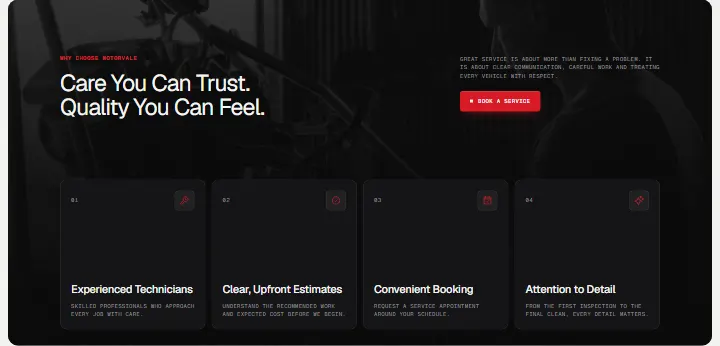
Why Choose Us, section #1098
Pro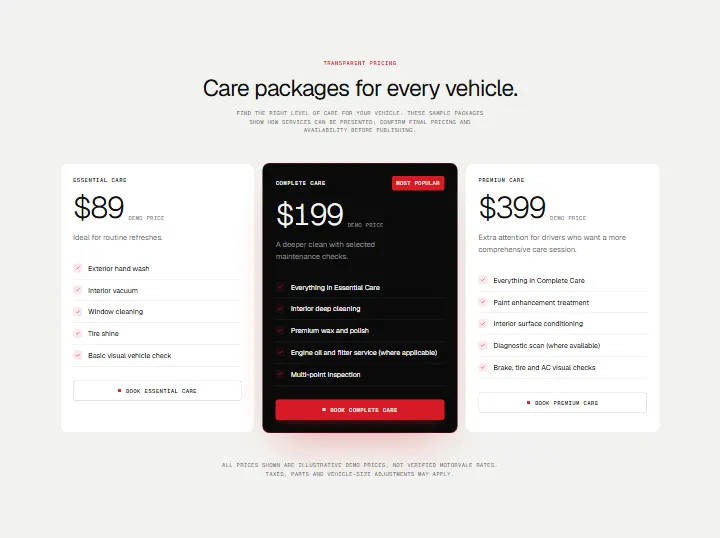
Care Packages, section #1097
Pro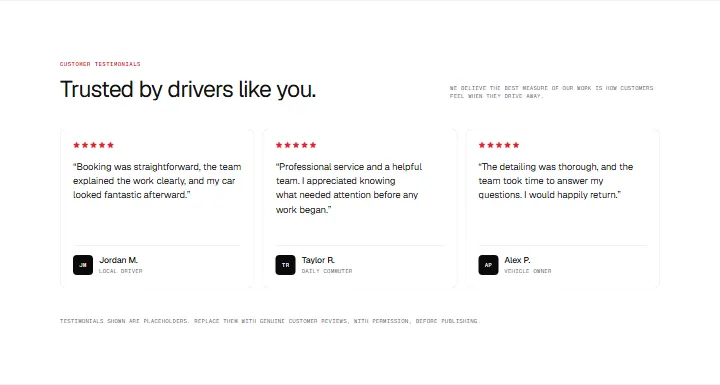
Testimonials, section #1096
Pro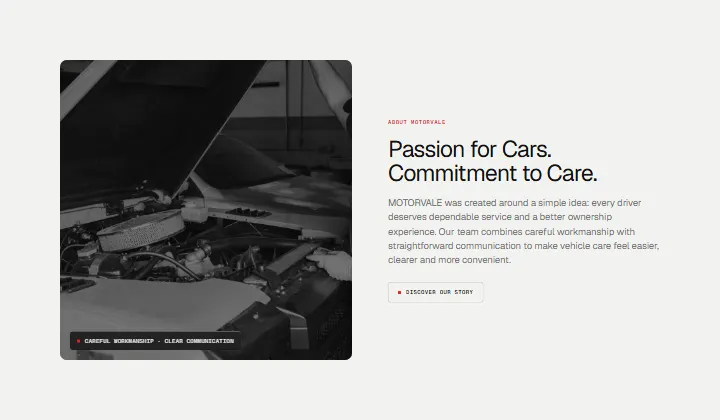
About, section #1095
ProNo section matches. Try another word or category.
Clear the filtersShowing 36 of 1090
Load more sectionsHow it works
From this page to yours in three steps
1. Copy a free section
Click “Copy section” on any free section. It goes to your clipboard, ready for Uncoder.
2. Paste it in Uncoder
Open a page in the Uncoder editor, select the section it should follow and press Ctrl+V (⌘V on a Mac).
3. It takes your style
Free sections use your Design System, so they arrive in your colours and fonts. Change the words and photos, or ask your AI app to.
FAQ