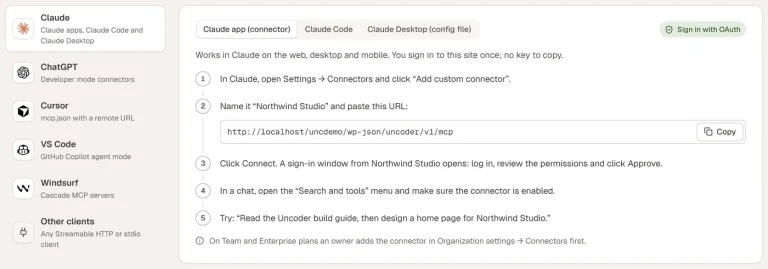
When you ask Claude to “build a services page”, it does not paste a block of HTML into WordPress. It works with Uncoder the way a careful designer would — in small, checkable steps. Here is what happens.
1. It looks around
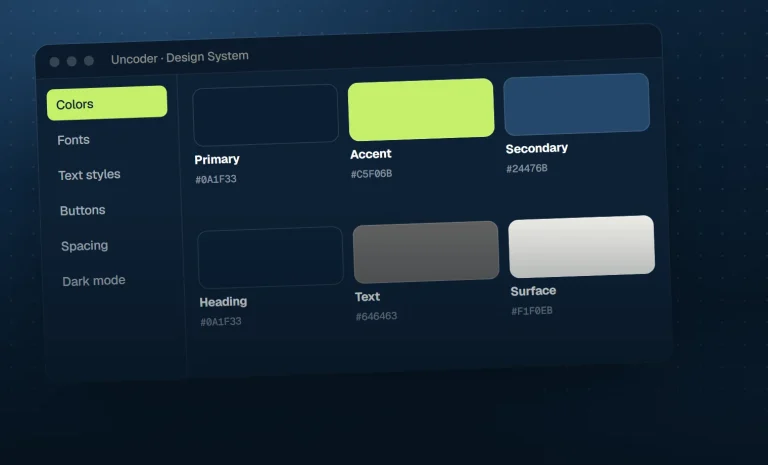
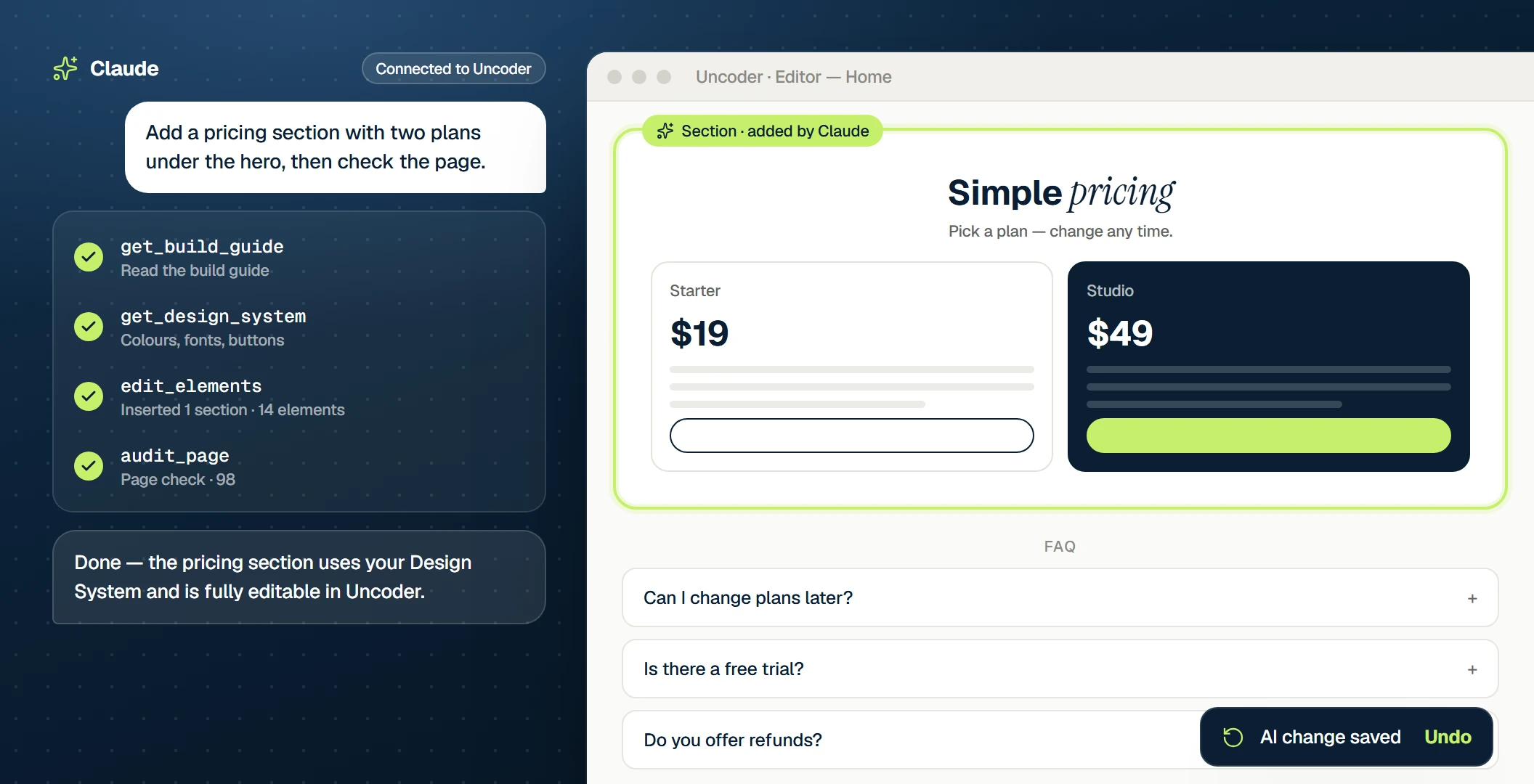
Before changing anything, the AI calls get_site_overview and get_design_system. It learns which pages exist, which header and footer are live, and which colors, fonts and text styles your brand uses.
2. It reads the build guide
get_build_guide explains how Uncoder pages are put together: containers for layout, widgets for content, Design System colors instead of hex codes. With get_widget_schema it looks up the exact settings of the widgets it plans to use.
3. It builds an element tree
The page is a tree of containers and widgets with settings. The AI can start from one of 40 section patterns or build from scratch, then calls create_page. Every setting is validated — an unknown setting or a wrong value comes back as a clear message the AI fixes on the next try.
4. It checks its own work
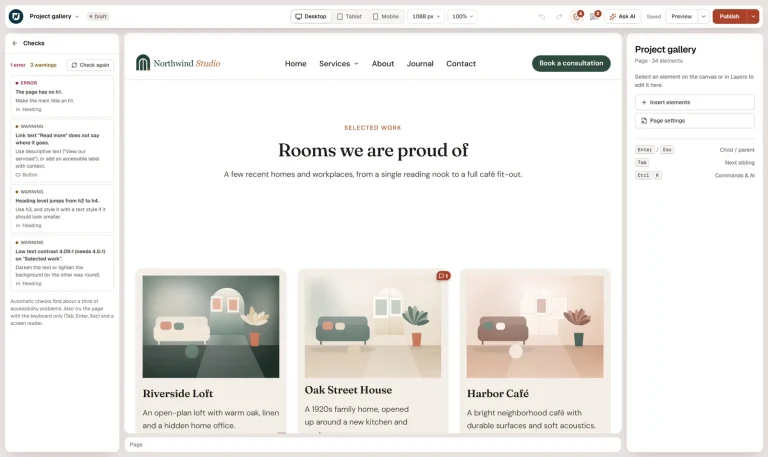
render_page returns the finished page as text to proofread; audit_page checks headings, contrast, alt text, links and mobile layout and suggests fixes.
5. You take over
The page is a draft until you publish it. Open it in the visual editor and everything is there: real widgets, real settings, your Design System. Ask for the next change, or make it yourself.