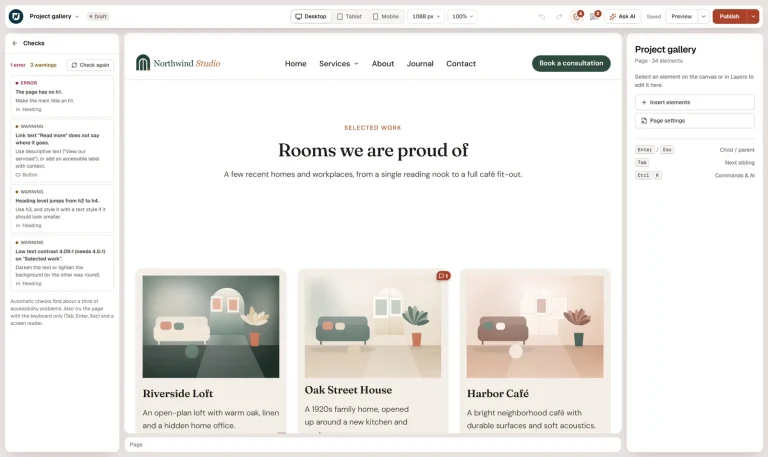
Accessible by default: what the page check catches
Headings, contrast, alt text, link names and more — the page check finds common problems before visitors do, and your AI can…

Content widget
Your posts, products or any content, in a carousel of cards you design yourself.
Build it with your AI
“Show the latest posts in a carousel using the Post card template, three per view.”
Live demo
Headings, contrast, alt text, link names and more — the page check finds common problems before visitors do, and your AI can…
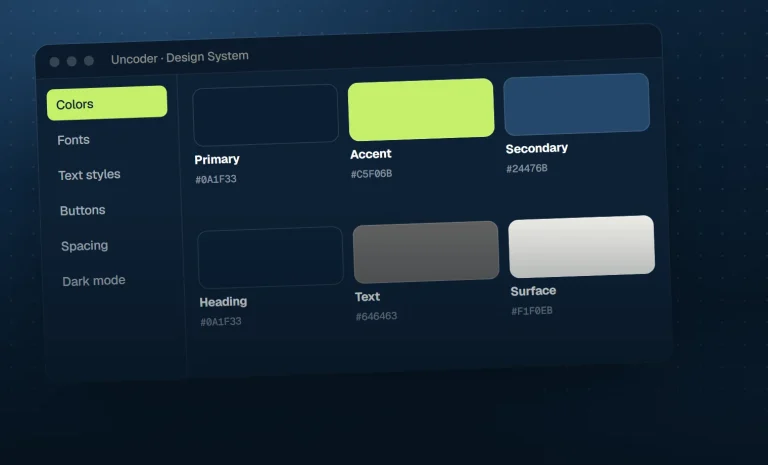
AI-built pages only look consistent when the AI has a design system to use. That is why Uncoder’s widgets read every color,…
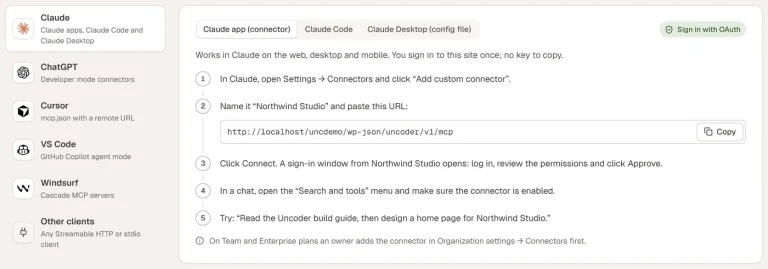
Create a scoped API key, add Uncoder’s MCP server to Cursor or VS Code, and build pages from your editor — even…
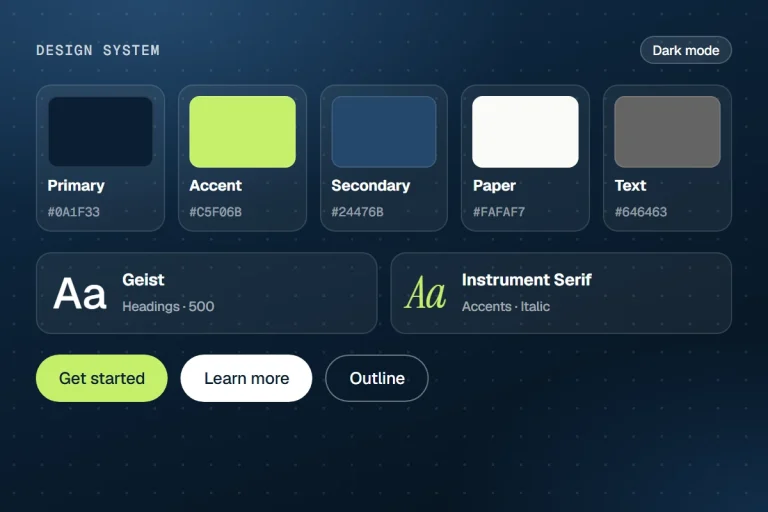
Because every page uses the Design System, a rebrand is a handful of prompts — colors, fonts, buttons, spacing and a contrast…
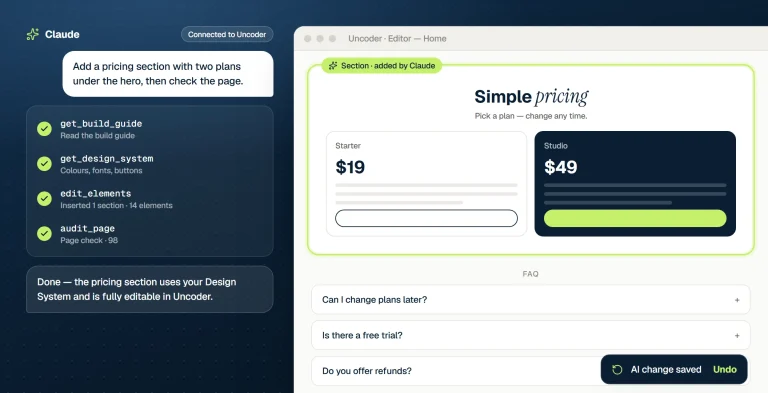
What happens between your prompt and a finished page: the build guide, the Design System, element trees, validation and the page check.
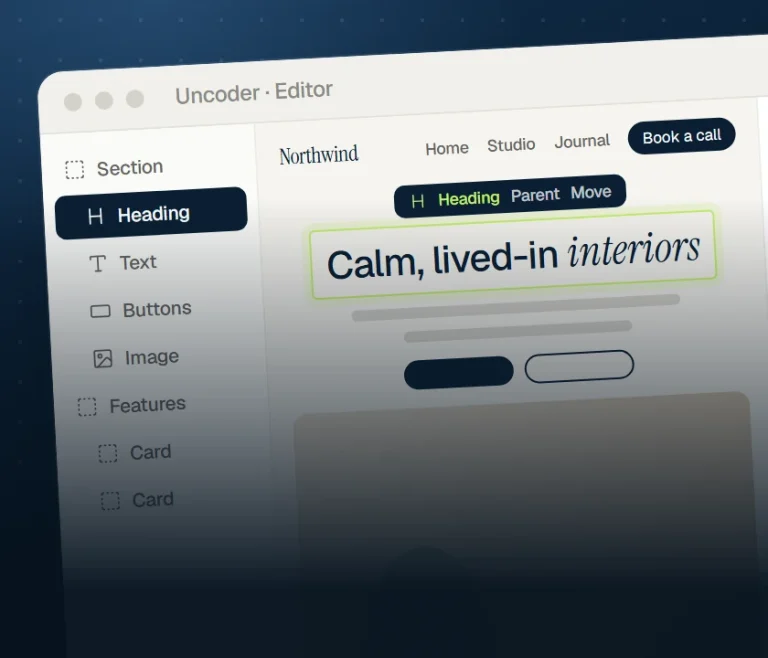
The first public release: a visual editor, a full Theme Builder, 80 widgets and a built-in MCP server with 58 tools for…
Settings
Every setting below is in the editor — and available to your AI through get_widget_schema.
21 settings
Loop
Loop item template
Query
Nothing found message
Featured image as CSS variable
Carousel
Slides per view
Slides to scroll
Gap
Vertical alignment
Arrows
Arrows position
Previous icon
Next icon
Pagination
Rewind
Mouse drag
Transition duration (ms)
Autoplay
Delay (ms)
Pause on hover
Pause button
Accessible name
22 settings
Arrows
Button size
Icon size
Offset
Border radius
Icon color
Background
Border
Shadow
Border color
Pagination
Distance from slides
Alignment
Dot size
Active dot width
Space between dots
Dot color
Active dot color
Typography
Color
Bar height
Bar color
Track color
Pause button color
shared
On every element
Spacing & position
Background & border
Animations
Motion & effects
Scroll & mouse effects
Visibility
Conditions
Interactions
Attributes & CSS
Build it with AI
Your AI looks up the Loop Carousel settings over MCP and writes the element for you — real, editable and on brand.
Claude · connected to your site
You
Show the latest posts in a carousel using the Post card template, three per view.
Claude · using Uncoder
Done — it’s on your site and fully editable.
What the AI writes
{
  "type": "loop-carousel",
  "settings": {
    "loop_template": "<Post card template id>",
    "query": {
      "source": "posts",
      "post_type": "post",
      "posts_per_page": 6,
      "orderby": "date",
      "order": "desc",
      "terms": ["category:5", "category:6", "category:7"]
    },
    "slides_per_view": 3,
    "slides_per_view_tablet": 2,
    "slides_per_view_mobile": 1,
    "gap": { "size": 16, "unit": "px" }
  }
}
More content widgets
Shows visitors where they are — Home › Blog › Post — and tells Google too, with structured data.
Code in a tidy block with a file name, line numbers, highlighted lines and a copy button.
Your posts, products or any content in a grid of cards you design yourself, with pagination or load more.
A ready-made grid or list of posts with images, dates and excerpts.
A “How it works” row of numbered steps joined by a line.
Data and comparison tables with striped rows, a sticky header and a caption.